Build a Professional Website in Minutes with an AI Website Builder
 Written by Krystian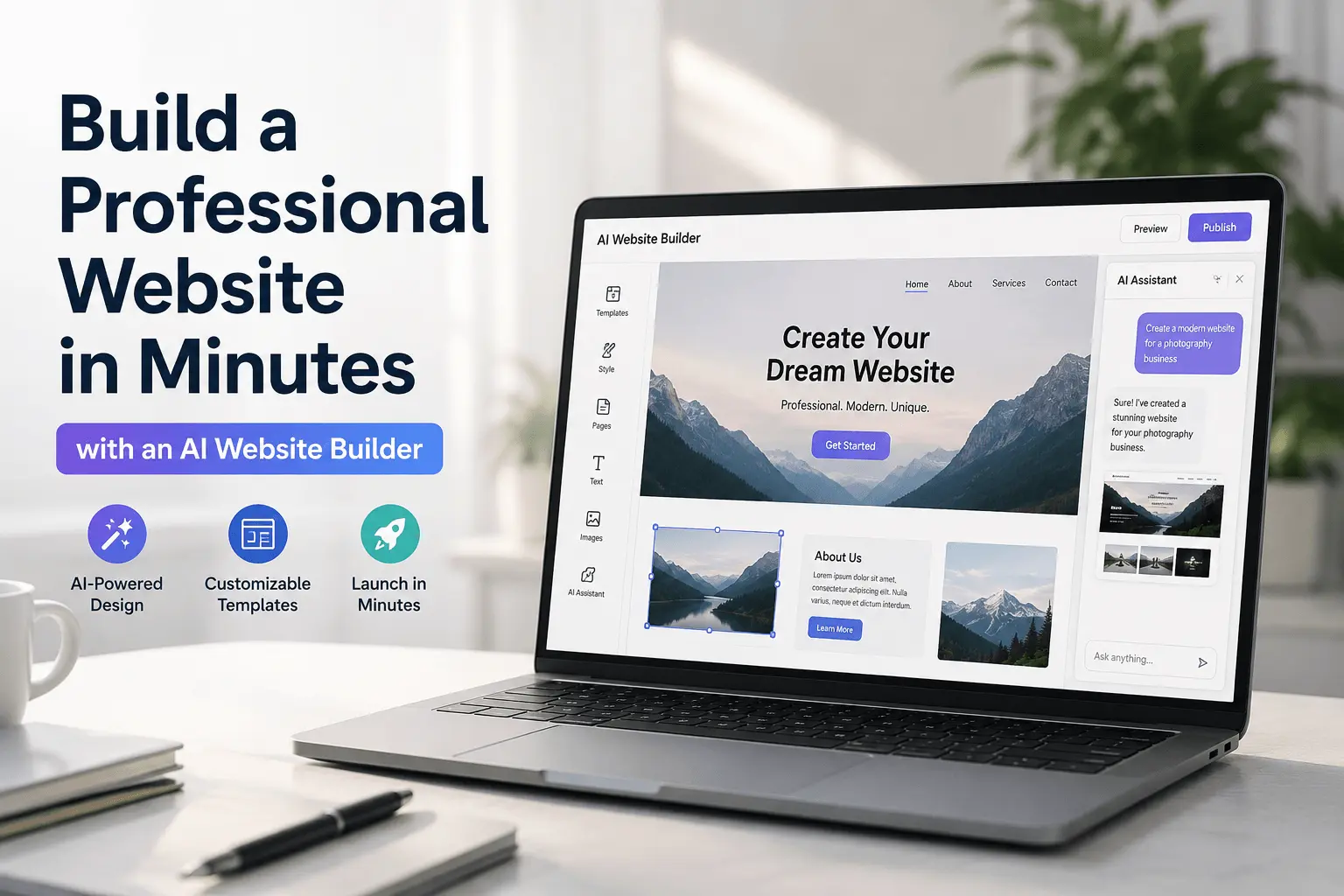
A good AI website builder does something that no drag-and-drop editor ever managed: it removes the blank page entirely. Instead of choosing a template and moving boxes around for hours, you describe your business in plain language and get a fully designed, ready-to-publish website in minutes. This is a buyer's guide: what the technology actually does, and the specific things to check before you commit to one.
What this kind of builder actually does
An AI website builder uses artificial intelligence to generate a complete website from a written description. You tell it what your business does, who it serves, and what you want visitors to do. The tool handles the layout, section structure, copy, and visual design.
The key difference from older website builders is that you're not assembling pages from components. You're having a conversation with a tool that understands design principles and marketing conventions. The result is a site that looks like it was built by a professional, without needing one.
How the process works
The process is straightforward, even if the technology behind it isn't:
- You write a prompt describing your project: what it is, who it's for, what tone you want, what sections you need.
- The AI generates a full website structure, including section order, headlines, body copy, and styling.
- You review the output, edit anything that isn't accurate, and add your real content (photos, pricing, contact details).
- You publish to a domain, and the builder handles hosting, performance, and mobile optimisation automatically.
The quality of the output depends heavily on the quality of your prompt. A vague description produces a generic site. A specific, detailed prompt produces something genuinely useful from the first generation.
What to look for before you choose one
Output quality
The generated design should look professional without heavy customisation. If every site looks identical or the layouts feel generic, the AI isn't adding much value over a template picker.
Editing flexibility
You need to be able to change what the AI generates without rebuilding from scratch. Good tools let you edit text, swap sections, update colours and fonts, and add or remove blocks with minimal friction.
Publishing and hosting
The best website builders with AI include hosting, CDN, and custom domain support out of the box. You shouldn't need a separate hosting account or technical setup to go live.
SEO and performance
Generated sites should produce clean, semantic HTML that search engines can read. Fast loading times and mobile responsiveness should be automatic, not optional.
Understanding the pricing model
Before you commit, it's worth understanding how the tool actually charges you, because the sticker price rarely tells the whole story:
Subscription vs. one-off generation
Some tools charge per generation or per site, which can work out cheaper if you're building a single page and never touching it again. Most serious builders charge monthly, because ongoing hosting, updates, and support are part of what you're paying for. If you plan to keep editing and growing the site, a subscription model is usually the better deal despite the recurring cost.
What's actually included
Check whether hosting, a CDN, SSL, and a custom domain connection are bundled into the price, or sold as add-ons. A cheap headline price that requires three separate purchases to get a real, secure, fast site live isn't actually cheap.
Where the hidden costs usually are
Watch for bandwidth or traffic caps that force an upgrade once your site gets real visitors, limits on how many pages or sections you can generate, and export or ownership restrictions that make it costly to leave later. A free or cheap plan that locks your content behind a paywall the moment it succeeds isn't the bargain it looks like at signup.
Who this is best for
This type of builder is the right choice if any of these apply:
- You need a website live within hours, not weeks
- You don't have a design or development background
- You're building a landing page, portfolio, small business site, or SaaS marketing page
- You want to test an idea before committing to a full build
- Your budget doesn't include a freelance designer or developer
If you're building a complex web application with user accounts, a database, and real-time features, you'll still need development resources. But for everything else, an AI website builder is faster, cheaper, and often produces better results than the alternatives.
Mistakes first-timers make
- Rewriting everything before evaluating the structure. Look at the section order first. If the bones are good, edit the copy instead of throwing out a usable layout.
- Never checking the mobile view. Most people review the site on the laptop they built it on, then discover on launch day that a section is cramped on a phone.
- Waiting for 'ready' instead of shipping 'good enough'. A live site you can keep improving beats a perfect draft that never goes public.
- Leaving placeholder contact details in. A fake phone number or leftover lorem ipsum is the fastest way to look unfinished.
A useful bar for first publish: every fact on the page is true, the call to action is clear, and it looks reasonable on a phone. Polish comes from real visitor feedback, not from delaying launch.
Keeping the site current after launch
The update phase is where most builders fail. A site is built once and live for months. These should all be self-serve:
- Prices go up: change the numbers and save. Live in under a minute, no rebuild.
- You add a service: duplicate a section, swap copy and image, reorder if needed.
- Seasonal promotion: add a banner for two weeks, then revert it.
- A photo looks dated: replace the image in that section without touching layout.
A simple cadence keeps the site honest without turning it into a chore: monthly check of contact details and prices, a quarterly look at whether messaging still matches what you sell, and a photo or testimonial refresh once or twice a year.
Once you've picked a tool
If you have never built a site before and want a slower walkthrough of the first prompt, read the no-code build guide. If you are leaving Lovable, v0, or Webflow, start with AI website builder alternatives. For a local business, the product page is the small business web builder. For what Bunstation generates, hosts, and lets you edit, see features.
Start building today
Bunstation is an AI website builder built for speed and quality. Describe your project, get a complete website, and publish it to a custom domain, all in one place. No templates to fight with, no code to write.
If you want to see how it works, start directly and see what the builder produces for your specific brief. The first version is usually closer to done than you'd expect. Start free, then connect a custom domain on Pro when you're ready to publish.
Ready to build something? Bunstation lets you go from idea to a live website in minutes, no coding required.
Start building →