 View template
Free website templates
Pizza restaurants, sushi bars, QR menus, wedding venues, barber shops, real estate, dental clinics, and more. Open a template for the full layout, remix it with AI, and publish in minutes.
View template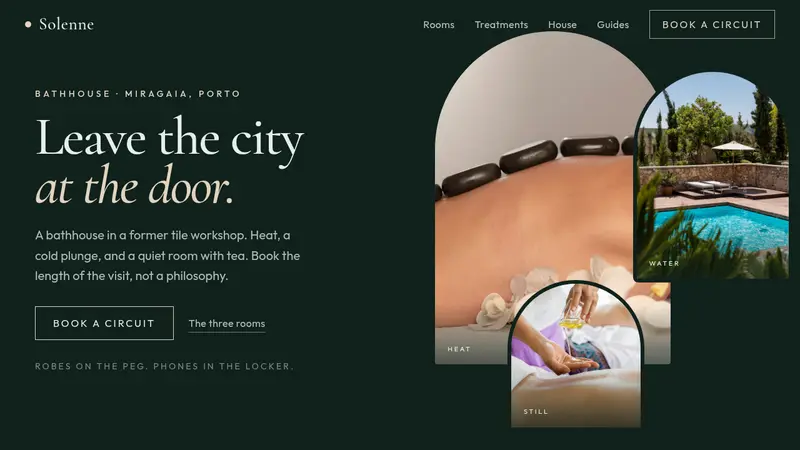 View template
Spa Website Template
 View template
Cafe Website Template
 View template
Portfolio Website Template
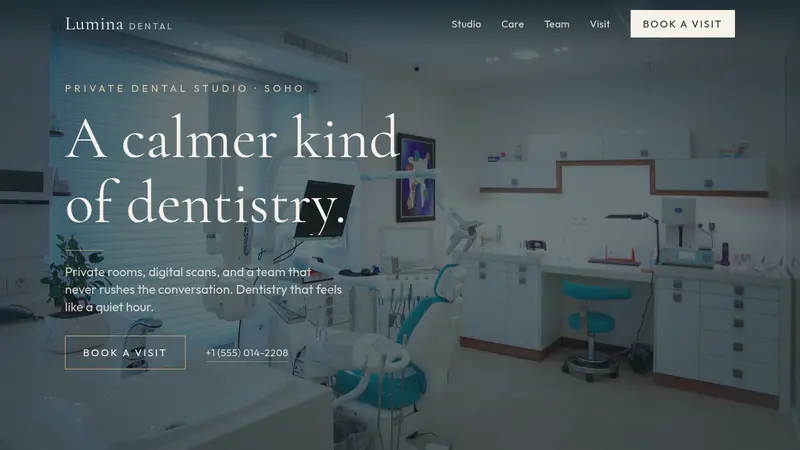 View template
Dental Clinic Website Template
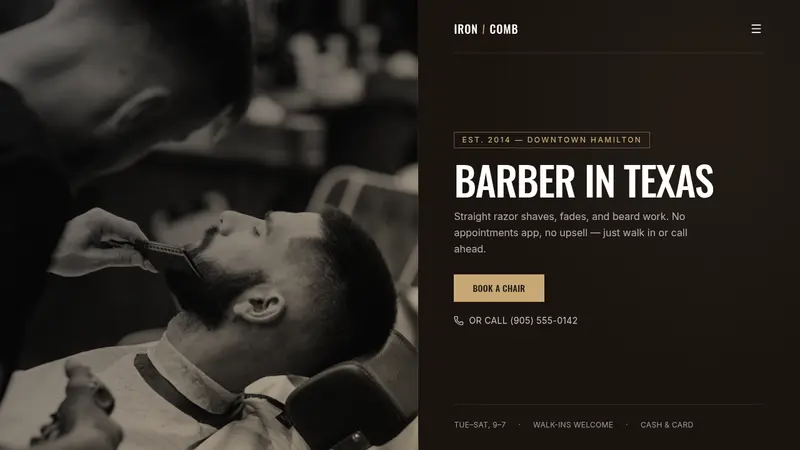 View template
Barber Website Template
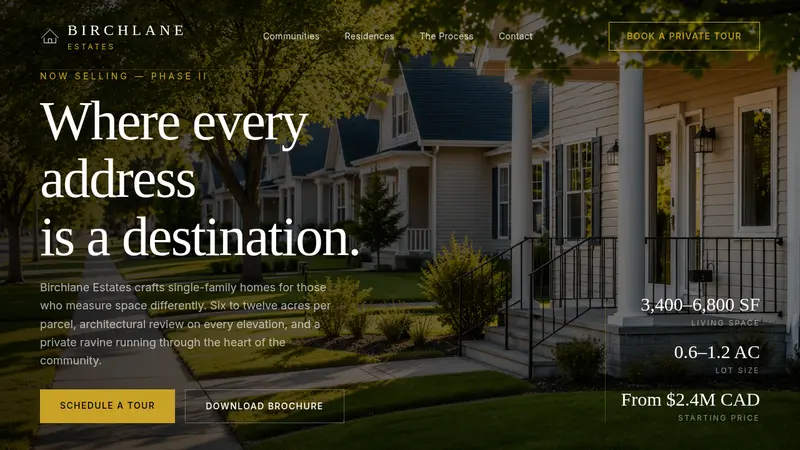 View template
Real Estate Website Template
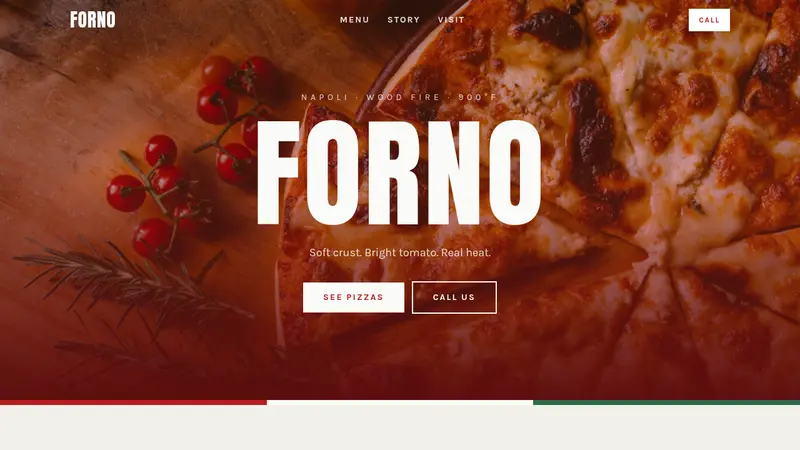 View template
Pizza Website Template
Japanese Restaurant Template
BBQ Smokehouse Template
Seafood Restaurant Template
Steakhouse Menu Template
Fine Dining Template
Healthy Cafe Template
Taco Shop Template
Burger Restaurant Template
QR Code Menu Template
Sushi Bar Template
Wedding Venue Template
Photo Menu Template
Italian Restaurant Template
Casual Restaurant Template
Restaurant Landing Page
Build faster with free templates
Why starting from a template is the smartest move
Most people spend the first hours of a new project making decisions that do not matter yet: color palettes, fonts, section order. A free website template removes all of that. You begin with a proven structure that already works, and you spend your time on the things that actually differentiate your site: your copy, your offer, and your audience.
Paired with an AI website builder, a template becomes even more powerful. Instead of describing an entire site from scratch, you give the AI a clear starting point and describe only what needs to change. The result is a personalized website in a fraction of the time it would take to build one from an empty prompt.
Restaurant menu templates: the most popular starting point
Among all free website templates, restaurant menu templates are the ones people launch the fastest, and for good reason. The structure is simple, the content already exists (your actual menu), and the payoff is immediate: guests scan a QR code at the table and your menu opens on their phone.
What makes a restaurant menu template work
A good restaurant menu template is mobile-first by design. It organizes dishes into clear categories, supports photos, and loads fast on a phone, even on a weak signal. It does not require guests to download an app or create an account. They scan the QR code, the menu opens immediately in their browser, and they start browsing. That is what separates a real digital menu from a PDF link in disguise.
From free template to live QR code menu in minutes
The workflow is straightforward: pick the restaurant menu template, describe your dishes and categories to the AI builder, and publish. Your menu gets a dedicated URL you can point a QR code to. Print it on table tents, stickers, or any surface. Whenever you change a price or add a seasonal special, the update goes live instantly across every table. No reprinting, no crossed-out prices, no outdated cards.
Want to go deeper? See the digital restaurant menu.
Free website templates for every business type
Restaurant menus are the most requested, but the templates in the gallery above cover a wide range of needs:
Restaurant & café templates
Built for food businesses that need a fast, mobile-friendly digital menu with QR code support. Add categories, dish photos, allergen labels, and prices. Update anytime without reprinting. Start from the pizza website template.
Small business landing pages
Service businesses, local shops, and tradespeople can launch a professional page that captures leads, shows services, and builds trust. Start from the barber website template for a shop page, or the small business web builder if you want the product, not just a template.
Portfolio & freelancer templates
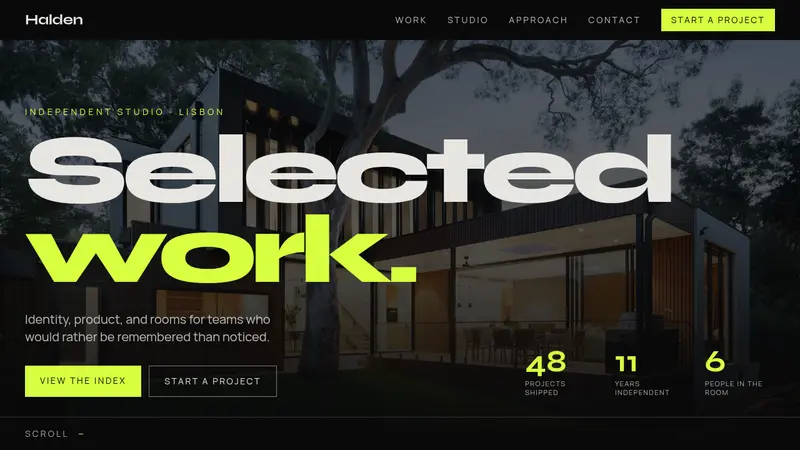
Design studios, freelancers, and creative practices can lead with selected work, introduce the studio, and collect project inquiries. Open the portfolio website template to start from the Portfolio layout.
Cafe website templates
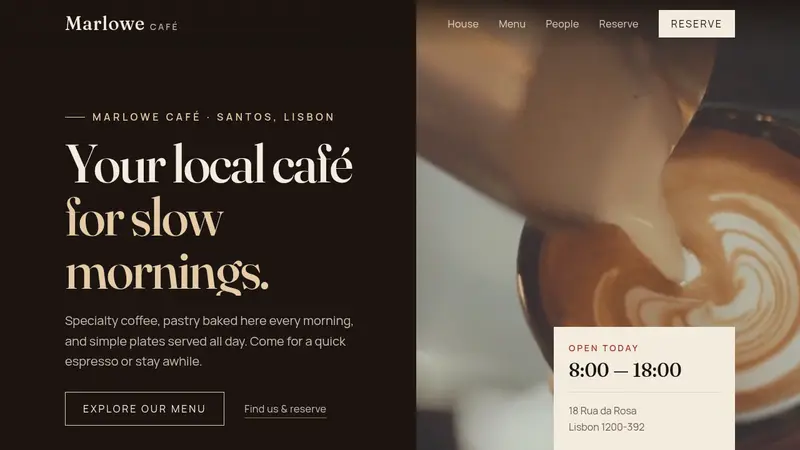
Coffee shops, bakeries, and neighborhood cafes can show the menu, the room, and opening hours, then collect a visit or order note. Open the cafe website template to start from the Cafe layout.
Spa and bathhouse templates
Day spas, bathhouses, and thermal rooms can show the circuit, the treatment list, and the people in each room, then take a booking by the length of the visit. Open the spa website template to start from the Spa layout.
Construction company templates
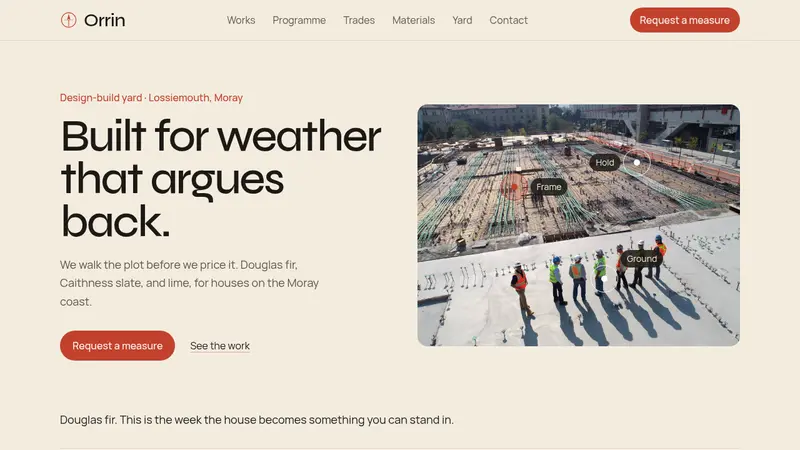
Builders and contractors can open on a live site, list finished jobs, walk through the stages of a build, and take a request for a site measure. Open the construction website template to start from that layout.
Real estate website templates
Agents, developers, and residential communities can present selected properties with useful details, explain the buying process, and collect inquiries. Open the real estate website template to start from the Real Estate layout.
Dental clinic website templates
Clinics, private studios, and family practices can present services, introduce the team, and collect visit requests. Open the dental clinic website template to start from the Dental Clinic layout.
Free templates + AI builder: a different way to build websites
Traditional website builders give you a drag-and-drop editor and expect you to assemble everything manually. AI website builders work differently: you describe what you want, the builder generates the structure, layout, and copy, and then you refine. Free website templates take this further by eliminating the cold-start problem entirely.
You are not staring at a blank canvas. You are starting with a live, working page that already has the right sections in the right order. Describe your business to the AI, and it fills in the real content. What used to take days of back-and-forth with a designer now takes an afternoon, sometimes less.
This is particularly valuable for restaurants and small businesses that need to get online quickly and do not have a dedicated web team. A free restaurant menu template handles the design. The AI handles the content. You handle the part only you can: your specific offer, your story, your prices.
How to get the most out of any free template
- Replace all placeholder text before publishing. Template copy is a scaffold, not a finished product. Rewrite every headline and description to reflect your actual business.
- Add real photos. Stock images are fine as placeholders, but nothing builds trust like genuine photos of your food, space, team, or work.
- Check the mobile version first. Most visitors will arrive on a phone, especially for restaurant menus. Test the layout on your own device before sharing the link.
- Keep the structure if it works. Templates are built around proven layouts. Only move sections around if you have a clear reason. The default order usually converts well.
- Publish early, refine later. A live, imperfect website beats a perfect one that never launches. Pick a template, fill in your content, and ship it. You can improve it after.
Pick any template above, click "Use template," and the builder takes care of the rest. If you are starting from scratch, this guide walks through creating a landing page with AI, from first idea to a page that is ready to share.
Template questions?
Start here.
A few practical answers before you pick a template, remix it, and turn it into a website that feels like your own.
They are starting points for landing pages, portfolios, small business websites, product pages, and other simple sites. Pick a template that is close to what you need, then adjust the copy, sections, colors, and images inside Bunstation.
Yes. A template is only the first draft. You can rewrite text, change the layout, remove sections, add new ones, update the visual style, and keep refining the page with the AI website builder.
No. You can start from a template and describe the changes you want in plain language. Bunstation handles the structure and design, while you stay focused on the offer, audience, and message.
Yes. Templates are useful for quick drafts, client previews, and real launches. Before publishing, review the copy, add your own images, connect the right links, and make sure the page matches your brand.
A template gives the AI builder a clearer direction from the start. Instead of asking it to invent everything at once, you begin with a working page and improve the parts that matter most.