A strong first impression
Make a strong first impression with a split-screen shop photo, a short headline, and a Book a chair path. The first screen looks like a barbershop, not a restaurant or a blank builder canvas.
A clean, responsive barber website template with a split-screen shop photo, walk-in and appointment copy, a phone-ready Book a chair button, and your hours on the page. Customize it with AI and publish your website online.
Make a strong first impression with a split-screen shop photo, a short headline, and a Book a chair path. The first screen looks like a barbershop, not a restaurant or a blank builder canvas.
Say walk-ins welcome, private appointments, or both. Point the button at a phone number or a booking tool. The page stays a shop page either way.
Put the street, the hours, and a short line about the cut on the same page clients open from Google. Replace the sample neighborhood with yours in minutes.
Add the shop name, phone number, opening hours, and address, then create extra sections for the team, prices, or a photo gallery if you need them.
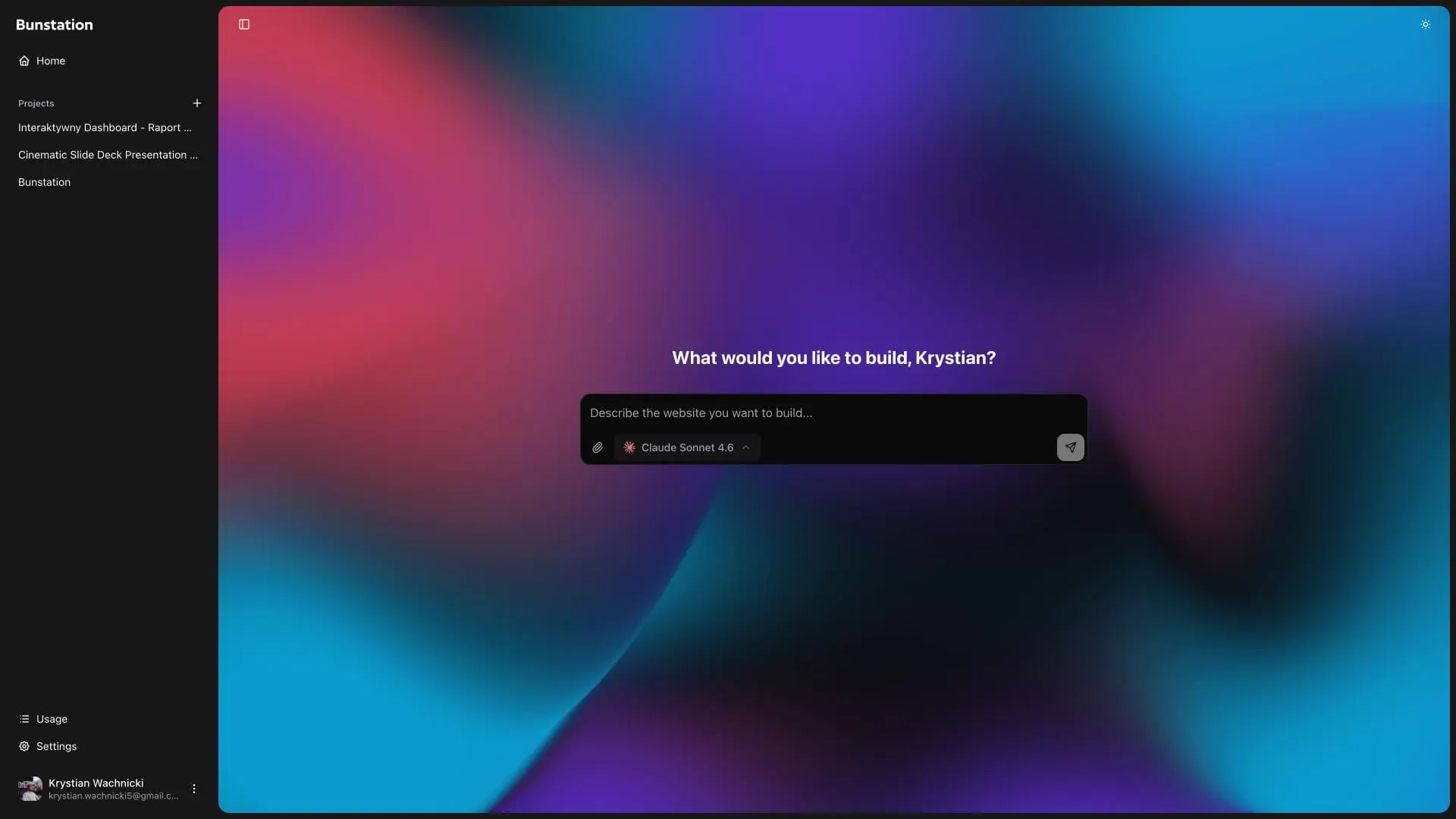
Click the button above this page to open this barber shop website template and start customizing it. The split hero, trust chips, Book a chair block, and shop details are ready for you to edit.
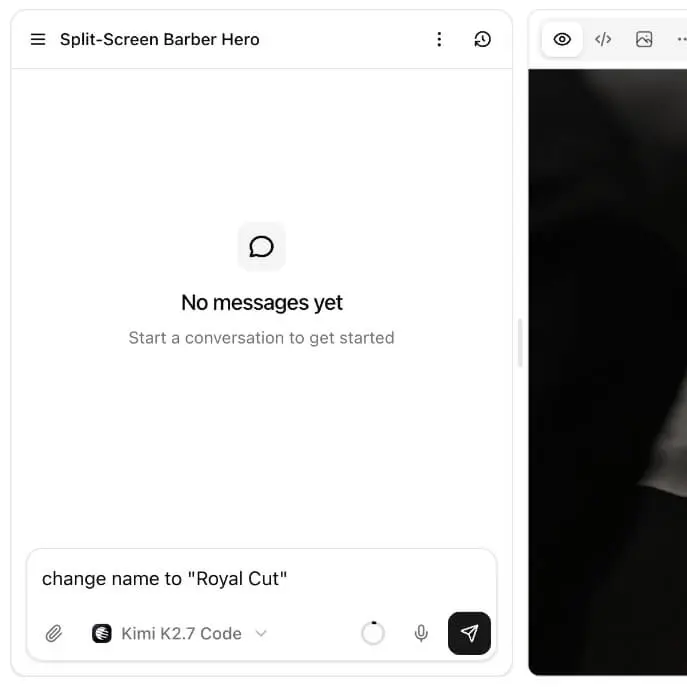
Use AI to replace the sample content with your barbershop name, services, photos, hours, and business details.
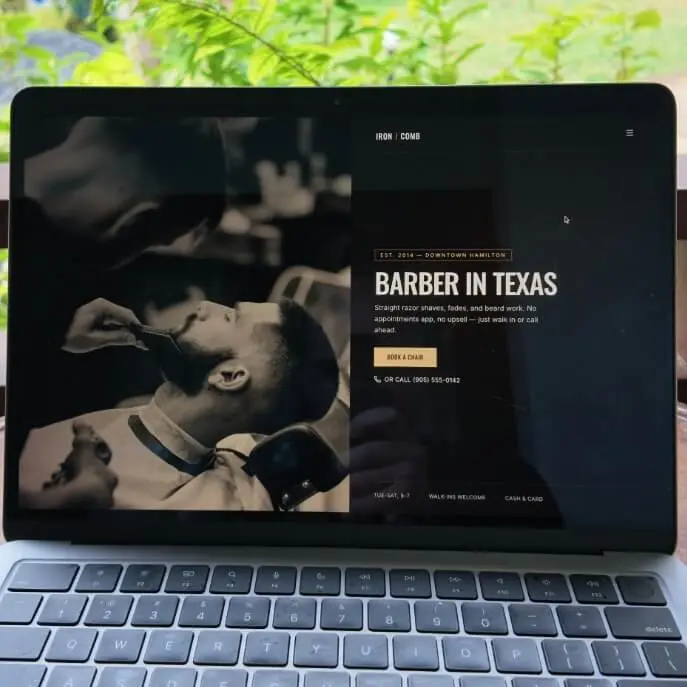
Publish your barber website to a live URL, share it online, or add it to Google Business Profile. Future hour and price updates appear at the same address.
01
A shop photograph on one side and a short headline on the other. The sample opens on More than a haircut, with a line about the cut, the conversation, and the hot towel at the end. Swap the photo and the copy; keep the split so the chair is the first thing a visitor sees.
02
Four short chips sit under the hero: premium grooming products, private appointments, walk-ins welcome, and old-school hospitality. Rename them to match how the shop actually works. Nothing on this page pretends to be a restaurant menu.
03
Your chair is waiting leads into Ready when you are. The layout keeps booking copy next to the street address, weekday hours, and a walk-ins line, so someone who found you on Google can call or come in without hunting a footer.
04
The layout automatically adjusts to different screen sizes, keeping the photo, the chips, and the booking block comfortable to use on phones, tablets, and desktops. A lightweight page helps the website load quickly when a client opens it from search or Instagram.
Who this layout is for, how walk-ins and booking work, and how it differs from a generic landing page.
It is a free barber website template: a shop-first layout for a neighborhood barbershop. Split hero, walk-in copy, and a page clients open from Google. You remix the photo and the hours. The structure is already a barber shop.
The sample copy welcomes walk-ins and private appointments. Keep both, or drop the one you do not offer. Change photography and the shop name. If the business is a wedding estate or a house listing, start from a different layout instead.
Yes. Point Book a chair at a phone number, Calendly, or the shop’s booking app. The template is the page; you attach the tool. Clients still land on one URL from search or Instagram.
A restaurant template opens on food and a menu. This layout opens on a chair. The photography, type, and first CTA assume a barbershop. If you need a digital menu, use the digital restaurant menu.
Neighborhood barbers, fade shops, and any local shop whose first screen should be a chair and a call. Skip it when the product is a dinner menu, a wedding estate, or a house listing. Those businesses need a different starting point.
Yes. Change hours, hide a service, swap a photo, or rewrite the walk-in line. The published URL stays the same, so the Google Business Profile link does not need to change. The same workflow is how we build a small business website.
The barber website template is free. Bunstation starts free with the free AI model and 3 credits. Pro from $12/month adds renewable credits, cloud storage, and a custom domain.
Do you have more questions? Contact us
Get started today
Remix the chair photo, put your number on the button, publish the URL. Clients open the same page from Google or Instagram. The layout is already a barbershop.