Present your salon professionally
Use a large photo, a clear headline, and direct buttons for prices and booking. Visitors can understand what your salon offers as soon as the page opens.
A complete website template for hair salons, color studios, and independent stylists. Show your services and prices, share photos of your work, introduce your team, and accept booking requests. Add your own content and publish when you are ready.
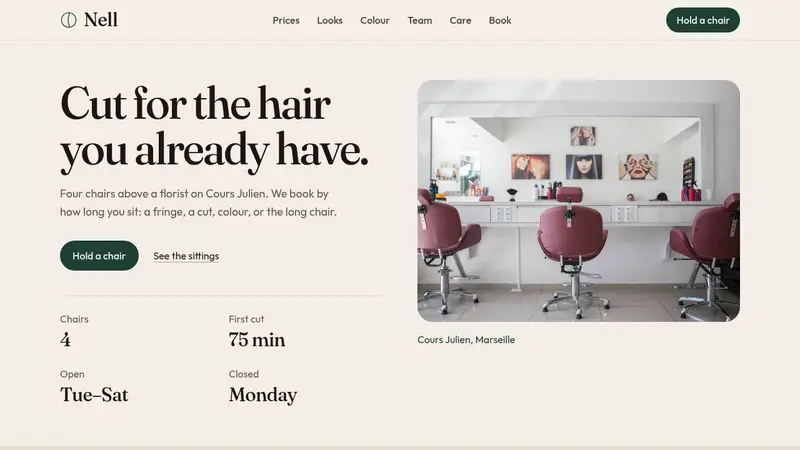
Use a large photo, a clear headline, and direct buttons for prices and booking. Visitors can understand what your salon offers as soon as the page opens.
Give every service its own card with a name, duration, price, and description. Replace the sample services with your own price list.
Add photos of recent cuts and explain the color services you provide. When a visitor selects an option, it is included in their booking request.
Collect the service, preferred stylist, time of day, name, phone number, and a short message. You can also connect the buttons to your current booking system.
Click “Use this template” to create a new project. The website already includes services, prices, a photo gallery, color options, stylist profiles, aftercare tips, and a booking form.
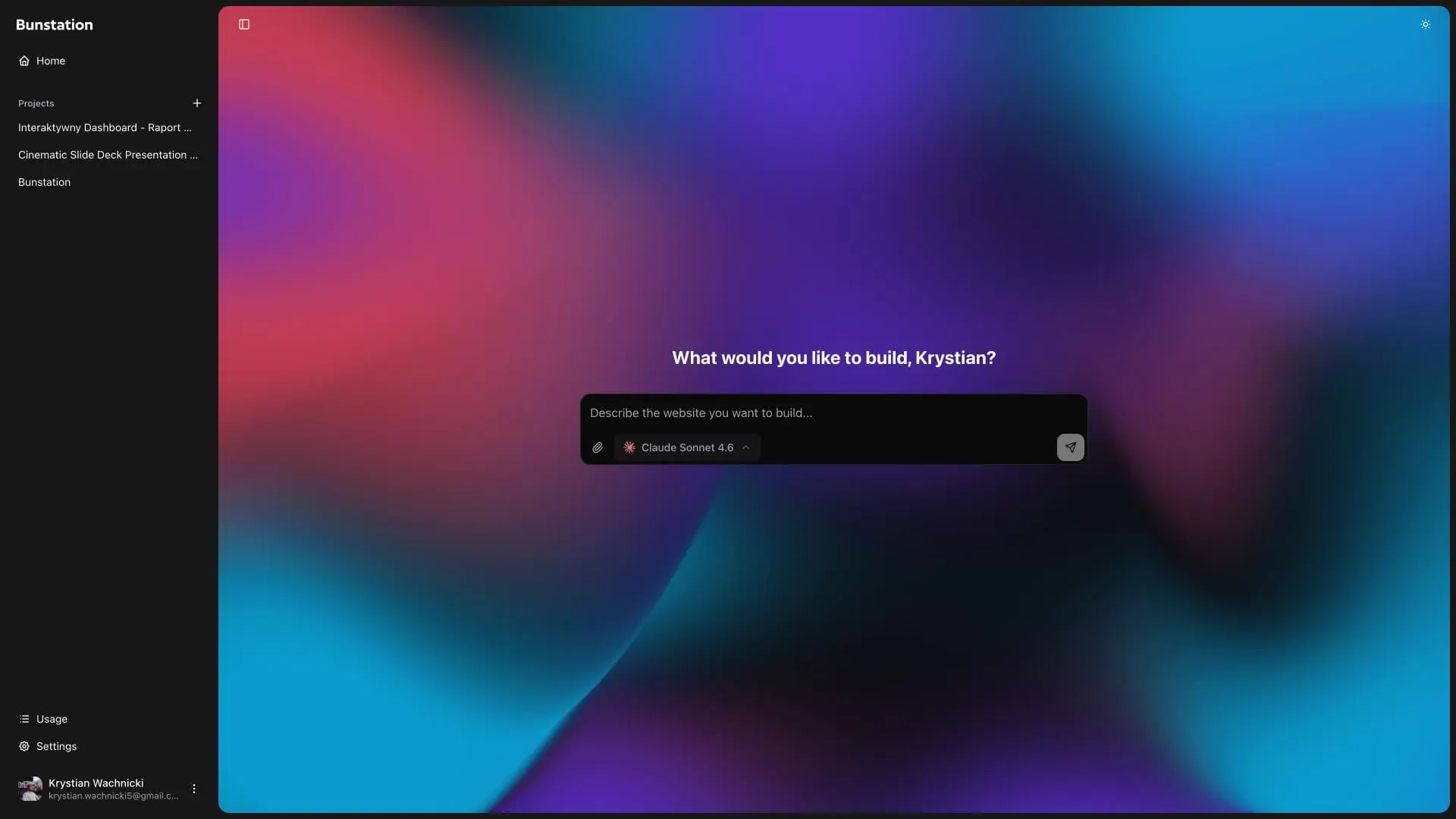
Replace the sample content with your salon name, photos, services, prices, stylists, opening hours, address, and contact details. Use the AI editor to make each change.
Publish your website with one click and connect your own domain. Share the link on Google and social media, and update your prices or photos whenever you need to.
01
Start with a clear headline, a short description, and a large salon photo. The menu stays at the top, so visitors can quickly find your prices, work, color services, team, care tips, and booking form.
02
List each service on a separate card with its name, duration, price, and a short explanation. Visitors can compare their options and understand what is included before they book.
03
Show recent cuts in a photo gallery, explain your color services, and introduce each stylist. You can also add simple aftercare tips to help clients maintain their hair between visits.
04
Let visitors choose a service, a preferred stylist, and a time of day. The form also collects their name, phone number, and a short note. Your address and contact details stay easy to find beside the form.
A simple website for barbershops that want to show services, opening hours, and booking details.
A complete website for spas and wellness businesses with treatments, prices, and booking requests.
Create a custom business website with AI instead of starting from a template.
Simple answers about customization, booking, and publishing.
The template includes a fixed menu, services and prices, a photo gallery, color options, stylist profiles, aftercare tips, opening hours, contact details, and a booking request form.
Yes. You can change every service, duration, price, and description. You can also add new services or remove the ones you do not offer.
Yes. You can change the salon name, text, colors, photos, services, prices, team, opening hours, contact details, and booking form. You can also add, remove, or reorder sections. Need help choosing colors? Try the color palette generator.
No. This template includes salon services, color options, stylist profiles, aftercare tips, and booking requests. The barber website template is a simpler page designed for barbershops and walk-in services.
Yes. The template starts as a one-page website. You can add separate pages for bridal hair, color consultations, individual stylists, or any other service.
Yes. You can use the included request form or connect the buttons to your current booking system.
No. You can customize and publish the website with the AI editor. You can also download the source code if you want more control. Learn more about creating a small business website.
If your photos, services, and prices are ready, you can create a first version in about 30 minutes. Extra pages or a custom booking system may take longer.
Do you have more questions? Contact us
Get started today
Add your salon name, services, prices, photos, team, opening hours, and booking details. Then publish your website and start sharing it with clients.