

Bunstation documentation
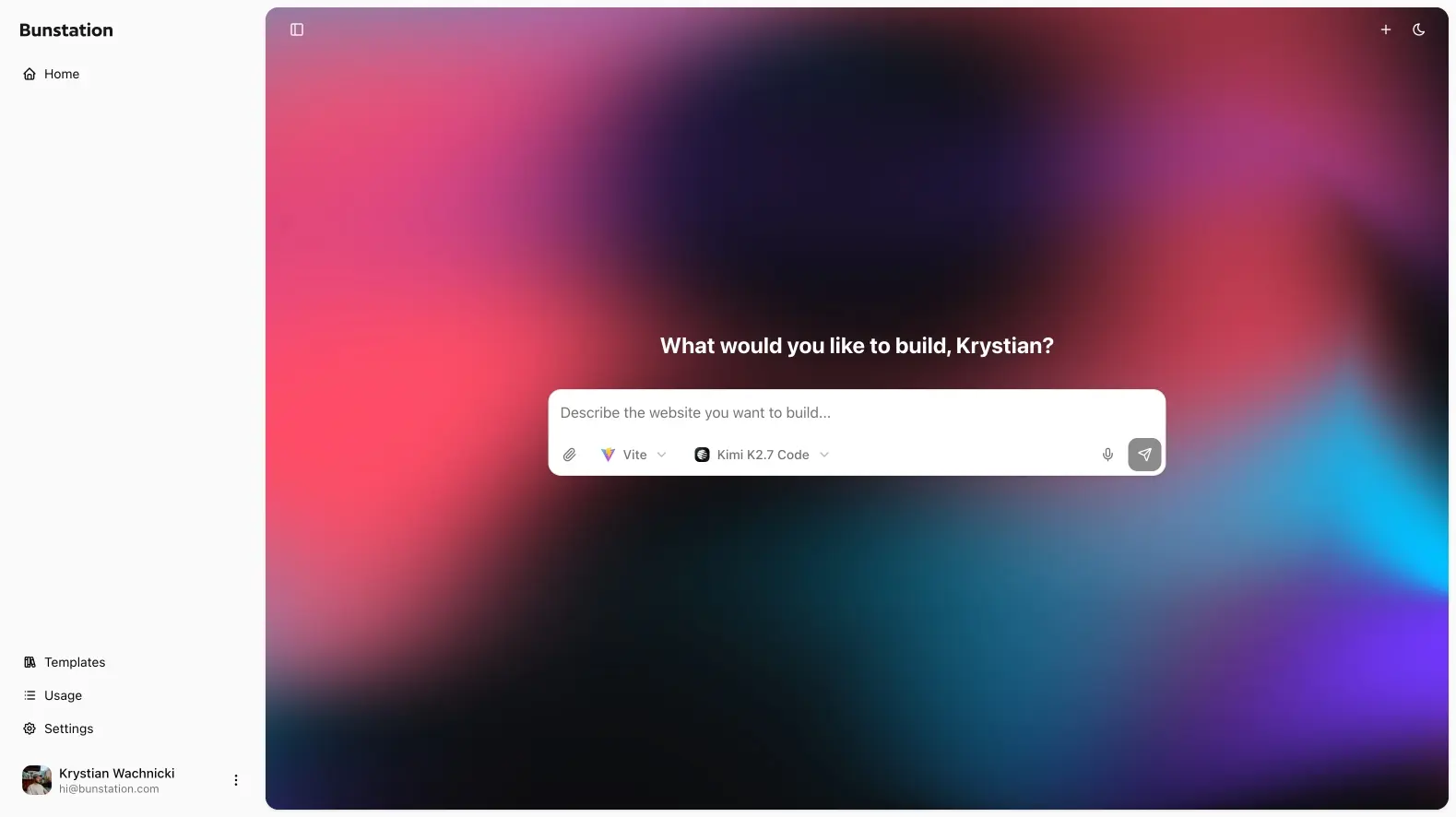
Bunstation is an AI website builder. You describe what you want, pick a model, and get a working Next.js website or a Vite app you can edit, preview, and publish.
This guide follows the same path as the product: sign in, generate, refine, go live, then add Cloud when the site needs a backend.
What you can build
- Marketing sites and landing pages (Next.js, static HTML)
- Small business websites
- Restaurant menus and local service pages
- Interactive Vite applications
- Sites with a Postgres database, HTTP endpoints, and scheduled jobs
Next.js projects are generated as static sites. Search engines receive real HTML, not an empty JavaScript shell. Vite is for applications that run in the browser.
How a project works
- Sign in at app.bunstation.com.
- Write a prompt and choose Next.js or Vite.
- Pick an AI model: builtins plus 300+ models via OpenRouter.
- Generate, then iterate in the editor.
- Publish to a Bunstation URL. Custom domains are on Pro.
- Turn on Cloud when you need Postgres, endpoints, or crons.
Who these docs are for
Founders, agencies, and developers who want a live site without standing up a separate stack. If you already know the destination, start at Quick start. If you are choosing a stack, read Websites and apps first.