

Postgres
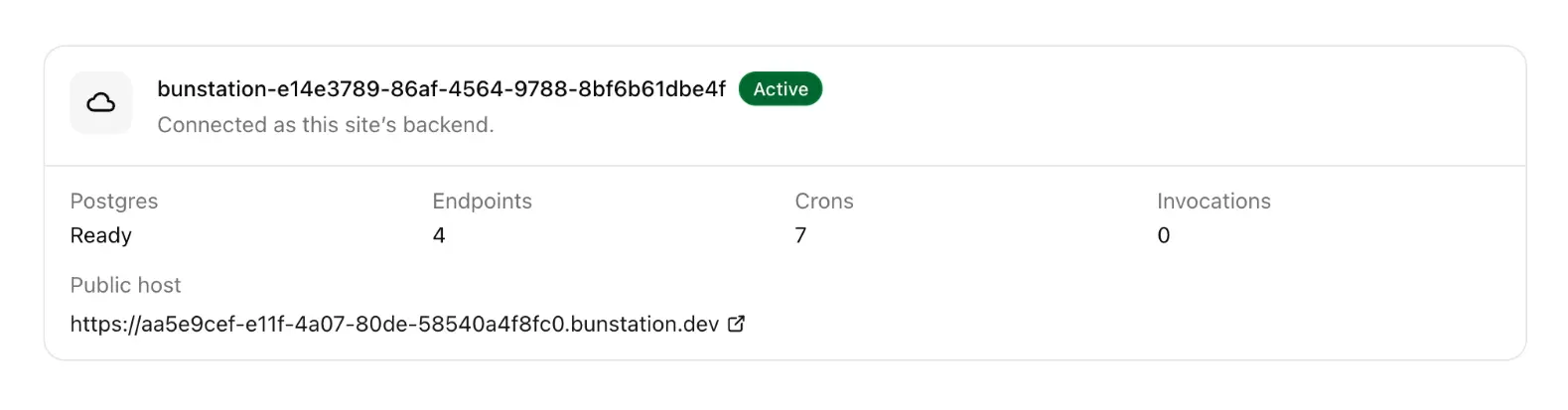
Every Cloud backend includes a Postgres database named for that site (bunstation-{projectId}). It is provisioned when you click Enable Cloud. Stop Cloud and the database pauses; the data is still there when you Start again.
What you get
- A Postgres database per project that has Cloud on
- Auth (sign-up, tokens, users) on the Cloud project URL
- Optional storage buckets, created when chat needs them
- Row Level Security: chat should add policies before the site writes from the browser
This is not a shared “Bunstation-wide” database. Two sites do not see each other’s tables.
How to create tables
There is no table designer on the Cloud page in the builder. Ask chat, for example:
Add a waitlist table with email, name, and created_at.
Enable RLS so anyone can insert, only the owner can select.
Chat applies migrations (DDL) and can run seed SQL. Destructive commands like DROP DATABASE are blocked.
How the website talks to Postgres
The frontend uses a supabase-js style client against the Cloud project URL, with the anon key. That is Auth + PostgREST (/rest/v1), not the *.bunstation.dev endpoint host.
Never put the service role key in generated website files. Endpoints and crons already receive SUPABASE_URL, SUPABASE_ANON_KEY, and SUPABASE_SERVICE_ROLE_KEY as environment on the backend.
Studio
A full tables / SQL / logs console lives on the Cloud platform. Day to day, stay in the Bunstation project and use chat plus the Cloud status panel.
If you already have a hosted Supabase account, you can attach it under Integrations instead of (or in addition to) this Cloud Postgres: they are different connections.