

Sign in
The builder lives at app.bunstation.com. You need an account before you can generate a site.
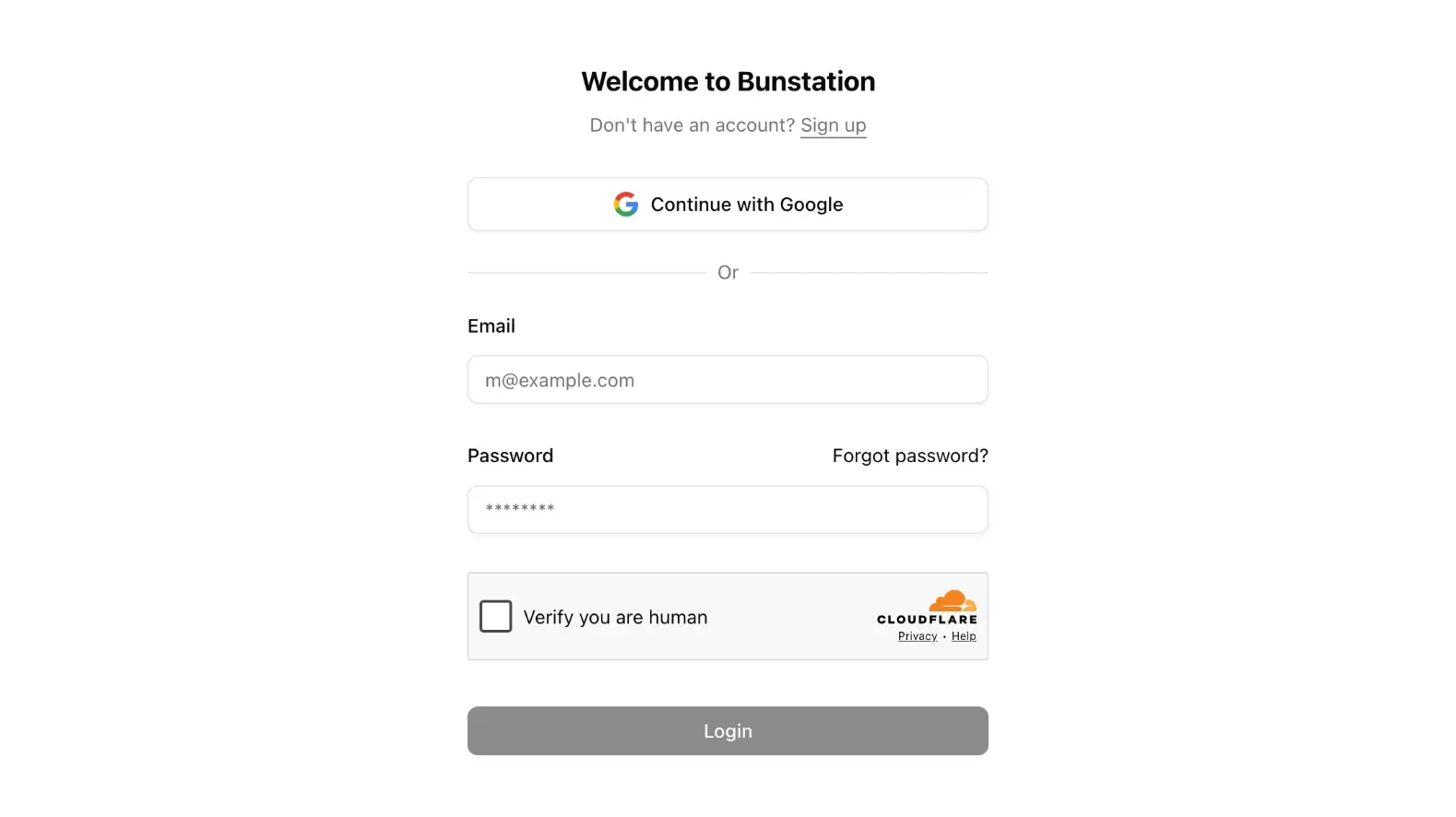
Create an account
On Sign up, enter first name, last name, email, and password. Bunstation sends a verification email. Open the link to activate the account, then you land on the home prompt.
You can also Continue with Google. Facebook login is not offered.
Sign in later
Use the same email and password, or Google. After login you go to / (your projects) unless a next URL was set: for example after clicking a share link while logged out.
Reset a password
Use Forgot password on the login screen. You will get an email with a reset link. Set a new password and sign in again.
Account settings
Open Settings from the user menu:
- Name, language (English or Polish), and avatar
- Password
- Billing (plan, credits, invoices)
You can delete the account from Settings. That removes the profile; export anything you need first via Download source on Pro projects.
Next step
Once you are in, write a prompt or open an existing project from the home grid.