

Models
Every generation runs on an AI model. You choose it on the prompt and you can change it later in the project chat. There is no lock-in: the project stays yours if you switch.
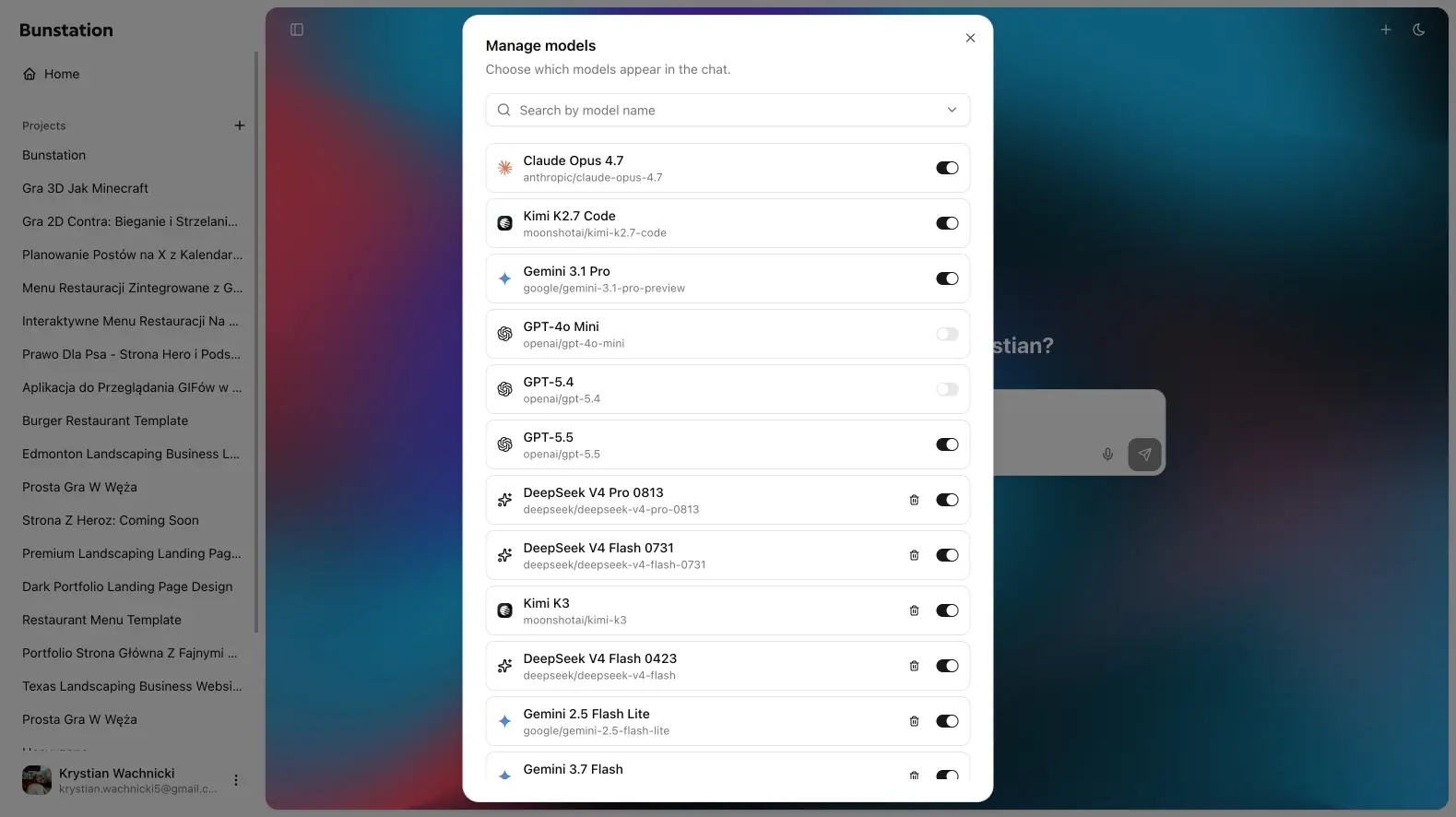
Built-in models
The picker includes models Bunstation keeps ready, among them:
- Claude Haiku, Sonnet, and Opus
- GPT (including 5.4 and 5.5)
- Gemini 3.1 Pro
- Kimi K2.7 Code (default for new chats)
A Free model appears when you still have free credits. It is the right way to try a first draft without a Pro subscription.
300+ models via OpenRouter
Open Manage models from the picker. Search OpenRouter, add a model by name or provider/model id, show or hide it, and remove customs you no longer want.
That catalog is where the extra hundreds of models live: DeepSeek, extra Claude/GPT variants, and other providers grouped in the list. Added models persist on your account.
Which model for which job
| Goal | Start with |
|---|---|
| Fast first draft | GPT or the Free model |
| Layout and copy that need judgment | Claude Sonnet or Opus |
| Long context / mixed media direction | Gemini |
| Code-heavy edits | Kimi K2.7 Code |
| A specialist you already like | Search OpenRouter and add it |
You can change model mid-project. Use a fast model to block out pages, then a stronger one for a stubborn section.
Credits
- Free model ↔ remaining free credits
- Any other model ↔ paid credits
If you run out, the prompt shows a banner with a link to billing.