

Integrations
More → Integrations attaches external services the chat and the site can use.
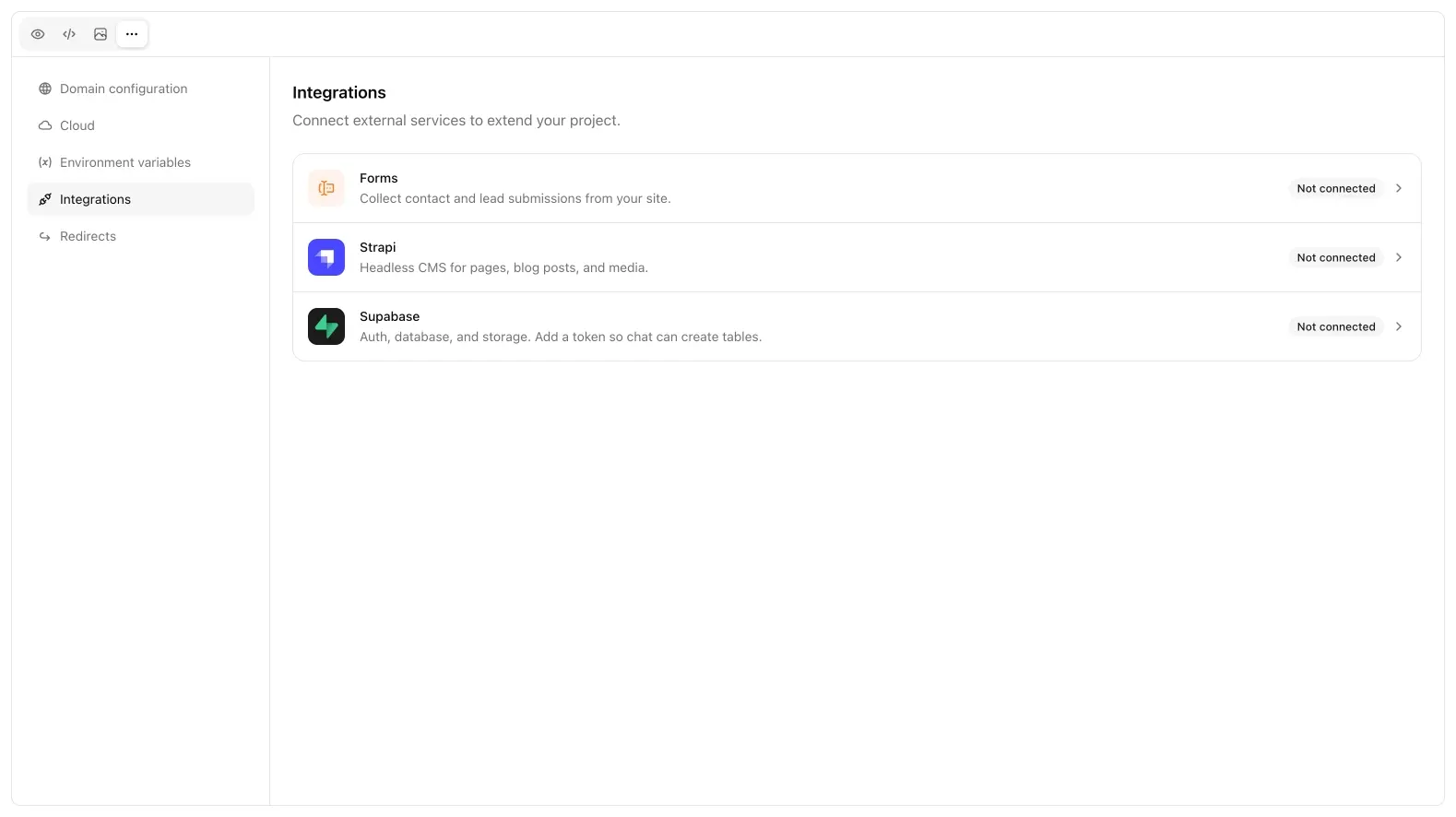
Forms
Forms captures submissions from the generated site. You get a schema (the fields), an inbox of rows, and unread badges. Use this when you want leads without standing up your own table: or use Cloud Postgres if you need a real database.
Forms is the right default for contact, quote, and newsletter captures on a marketing site. You do not write a webhook. After connect, tell chat which fields the form needs; it wires the frontend to the inbox. Check unread rows in the same Integrations view rather than in Postgres.
If you later outgrow the inbox (exports, joins, auth-gated data), keep the site and move storage to Cloud Postgres. Do not run both as the source of truth for the same leads unless you are ready to reconcile them by hand.
Strapi
Point at a Strapi API URL and tokens. Chat can then read/write that CMS instead of inventing a content model in files. Use Strapi when editors already live there and the Bunstation site should render CMS entries, not when you only need a contact form.
Keep tokens in environment variables, not in generated files. If a key leaked into the tree, rotate it in Strapi and ask chat to remove it from the repo.
Supabase (hosted)
This is your supabase.com project (or self-hosted), not the Cloud Postgres that Bunstation provisions.
Paste a personal access token so chat can create tables and RLS on that project. The site then uses that connection’s URL and anon key.
Use hosted Supabase when you already live there. Use Cloud when you want Postgres, endpoints, and crons on the same Bunstation project without another vendor dashboard. Mixing both is possible but easy to mis-wire: Auth and createClient must use one project URL. Do not send browser traffic to Cloud’s *.bunstation.dev host for table REST if the tables live on hosted Supabase.
Other
SMTP and Cloudflare Turnstile fields exist in the product for specific flows (auth, mail). They are not the primary Integrations list. Turnstile is already used on sign in.
If an integration save fails, the usual causes are a stale token, a URL missing https, or a role that cannot create tables. Fix the credential, save again, then prompt: chat cannot compensate for a 401 from the vendor.
Next
- Cloud: Postgres, endpoints, and crons on Bunstation
- Environment variables: keys for the site and backend
- Postgres: the Cloud database, not hosted Supabase