

Preview
Preview is the default tab. It loads a live iframe of the current commit so you can click through pages before you publish.
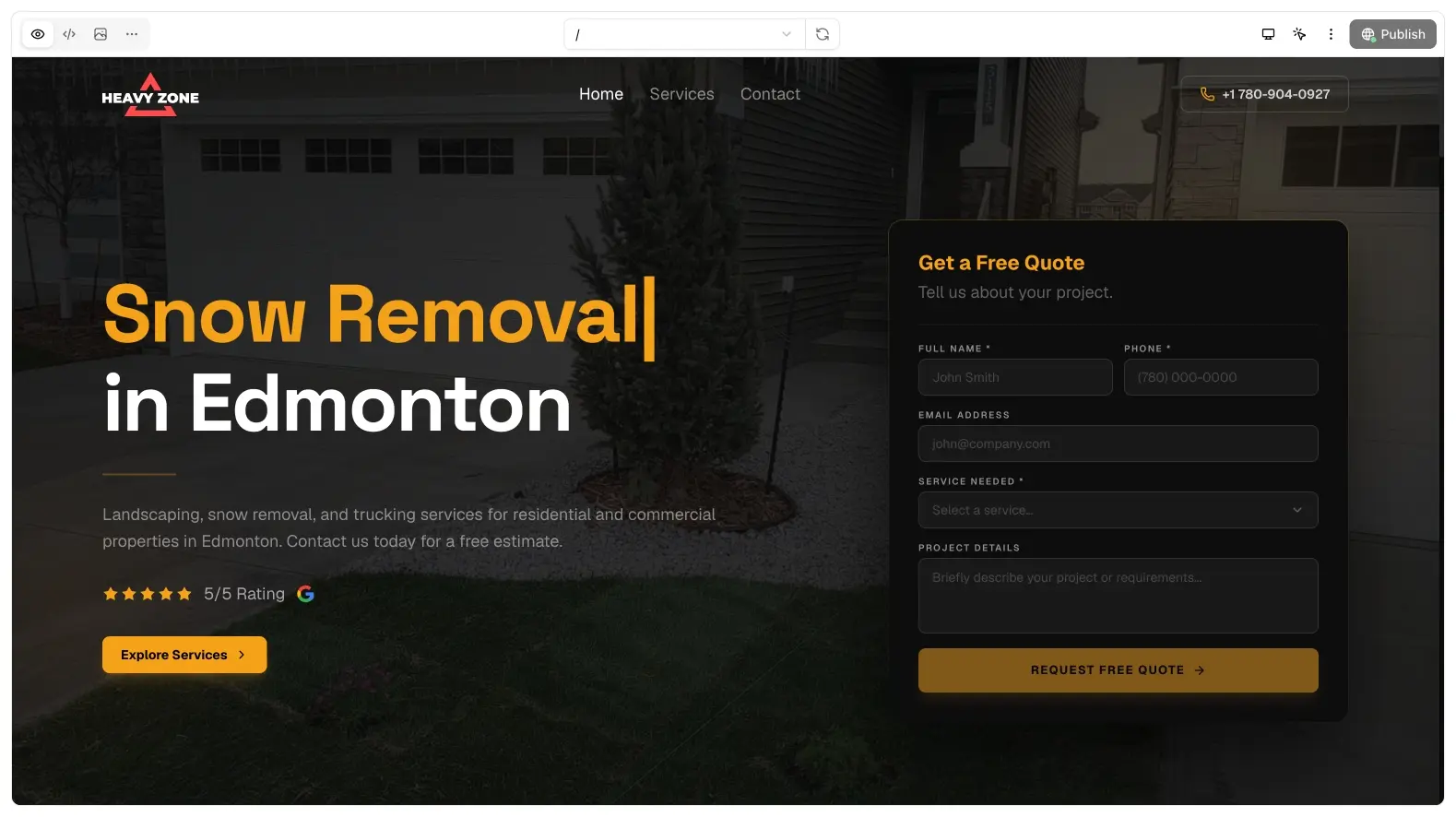
Toolbar
- Route picker: jump to a path in the generated site
- Reload: refresh the iframe
- Device modes: desktop and smaller widths
- Select element: inspect a node and send its source location into chat so a follow-up can target that block
- Open in tab: full preview URL
- Publish: go live
Preview URLs look like preview-{commit}--{projectId} on the Bunstation preview domain. They update as new commits land.
Inspect
Select element is the closest thing to a visual editor. Click a heading or section, then ask chat to change that piece. It beats describing “the third card on the homepage” in prose.
Logs
If a preview fails to boot, open logs from the preview header. Build output is also available from the commit you are viewing.
Publish from preview
You do not leave the workspace to ship. Publish uses the commit you are looking at. Switch SHA in history if you need to ship an older snapshot.
Device modes catch layout bugs that a desktop iframe hides: a sticky header covering a form, a gallery that overflows on a phone, a menu that only opens at 320px. Click through at least one inner route in a narrow width before you send a customer the live URL.
If inspect cannot select a node, the preview may still be booting or the element is in a nested iframe. Reload, wait for the page, then try again. When you already know the file, skip inspect and @ it in chat or open code.