

Prompts
The prompt is the brief. Bunstation does not ask you to draw a wireframe first: it builds from what you write, plus the stack and model you selected.
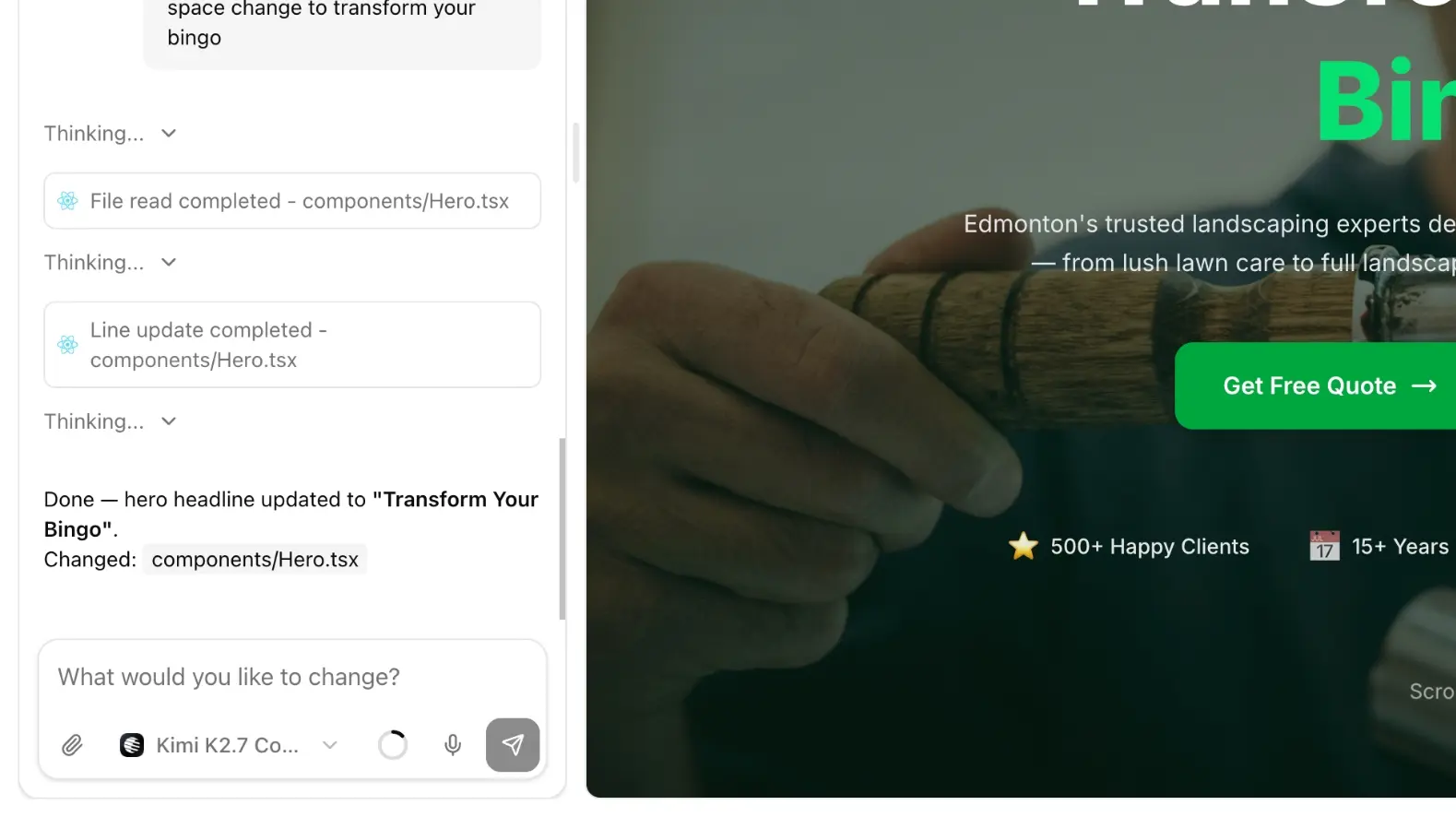
Where you type
- New project: home screen or
/new: “Describe the website you want to build…” - Follow-ups: chat aside in the editor after the first draft exists
You can attach files (logos, photos, PDFs), mention project files with @, and use the microphone to dictate.
What to include
A useful first prompt names:
- What the business does
- Who it is for
- The pages you need (home, about, menu, contact, pricing)
- Tone: calm, bold, editorial, playful
- Language and locale if it is not English
Example
A warm landing page for a neighborhood bakery in Kraków.
Home, menu, and contact. Show sourdough, pastry, and coffee.
Calm photos, lots of whitespace. Polish copy, English later.
Follow-up prompts
After the first draft, stay narrow. Point at a section and describe the result:
Make the hero shorter. Keep the bakery name.
Replace the three feature cards with Hours, Location, and Pre-order.
Broad prompts like “make it better” burn credits. If a generation is already running, Add to queue holds the next message.
When the model needs a decision, it can Ask user: answer in the chat and it continues.
Credits
Each send uses credits. The Free plan includes a small allowance on the free model. Paid models need paid credits. See Plans and credits.
Next
Choose a model, or skip the blank canvas and start from a template.