

Quick start
You can go from an empty account to a preview URL in a few minutes. This is the shortest path through the builder.
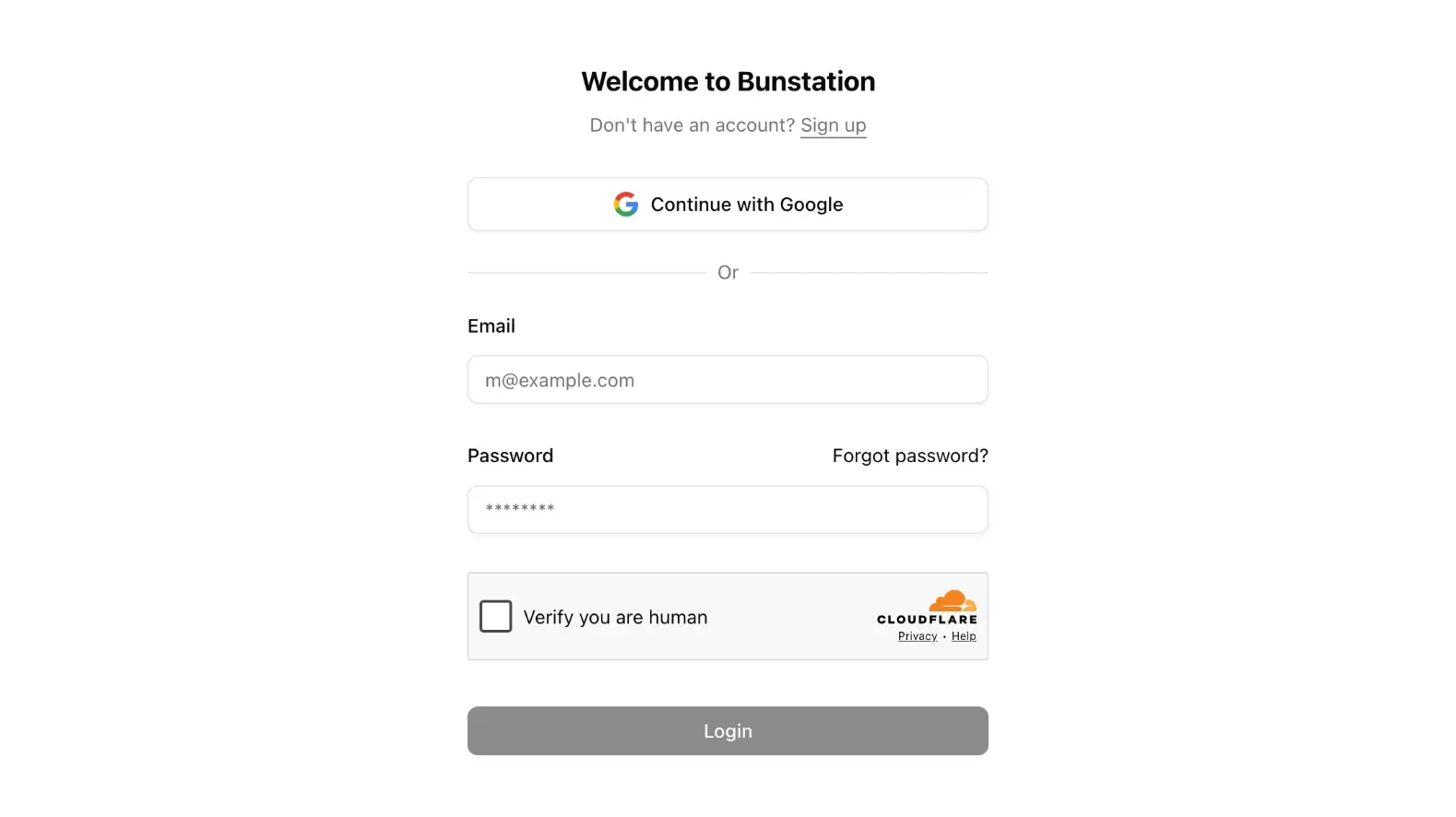
1. Sign in
Open app.bunstation.com and create an account with email or Google. Details are on Sign in.
2. Describe the site
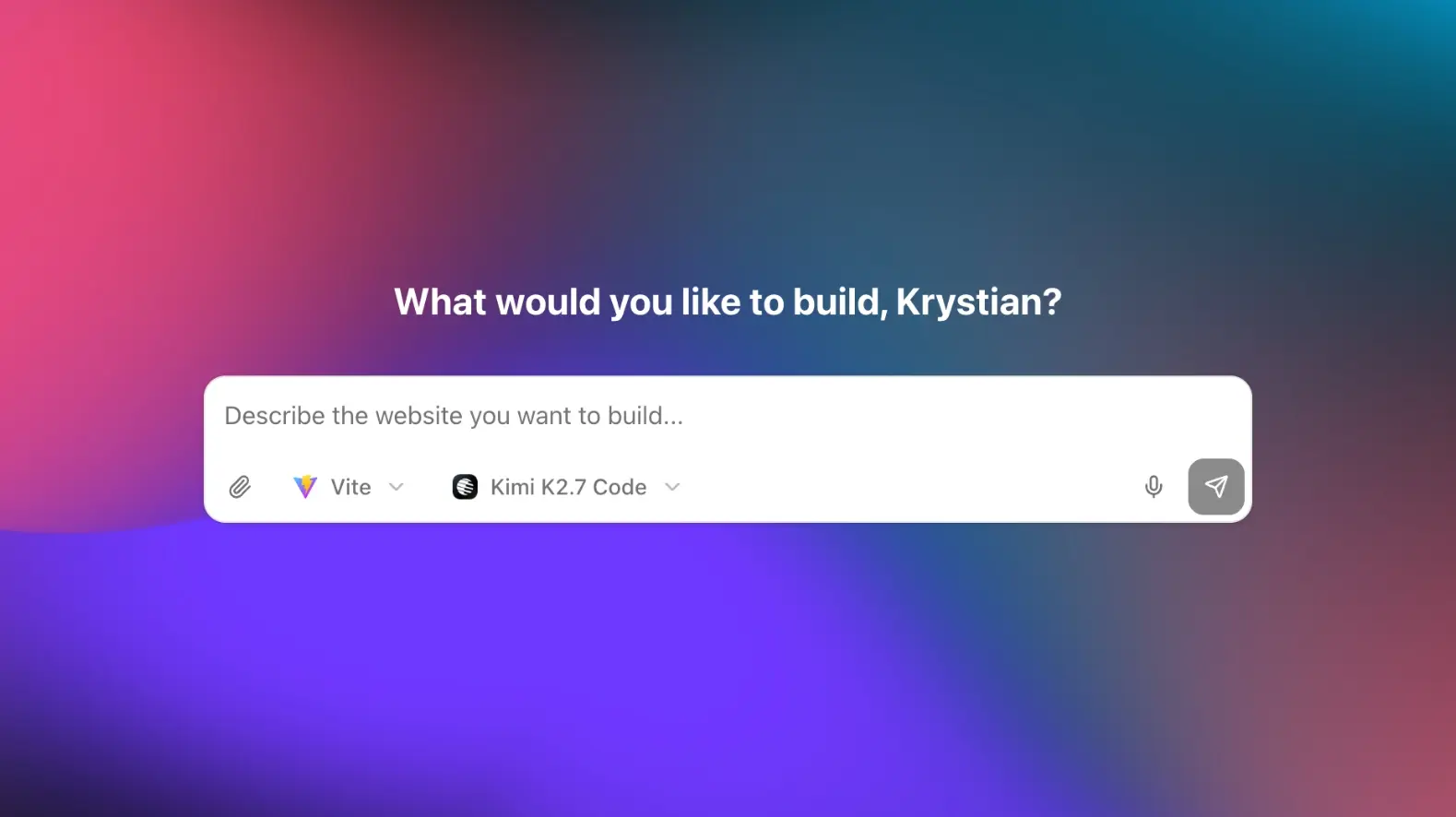
On the home screen you will see What would you like to build? Write a brief the way you would talk to a designer: business, audience, pages, and tone.
Example
A bakery website in Kraków. Home, menu, and contact.
Warm photos, lots of whitespace, Polish and English later.
Choose Next.js for a website (static HTML for search engines) or Vite for an application. Then pick a model and send. If you already know the page type, start from a template instead of a blank prompt.
3. Wait for the first draft
Bunstation opens the editor and streams the build. When the preview iframe loads, click through the pages before you change anything. A follow-up prompt is cheaper than regenerating the whole site.
4. Publish
On the preview toolbar, click Publish. You get a public *.bunstation.app URL. Anyone with the link can view the site. Attach a custom domain later if you are on Pro.