

Templates
Templates are finished projects you can clone instead of starting from a blank prompt. Open Templates in the app, or the Templates tab on the home screen if you already have public projects. The public gallery is at bunstation.com/templates.
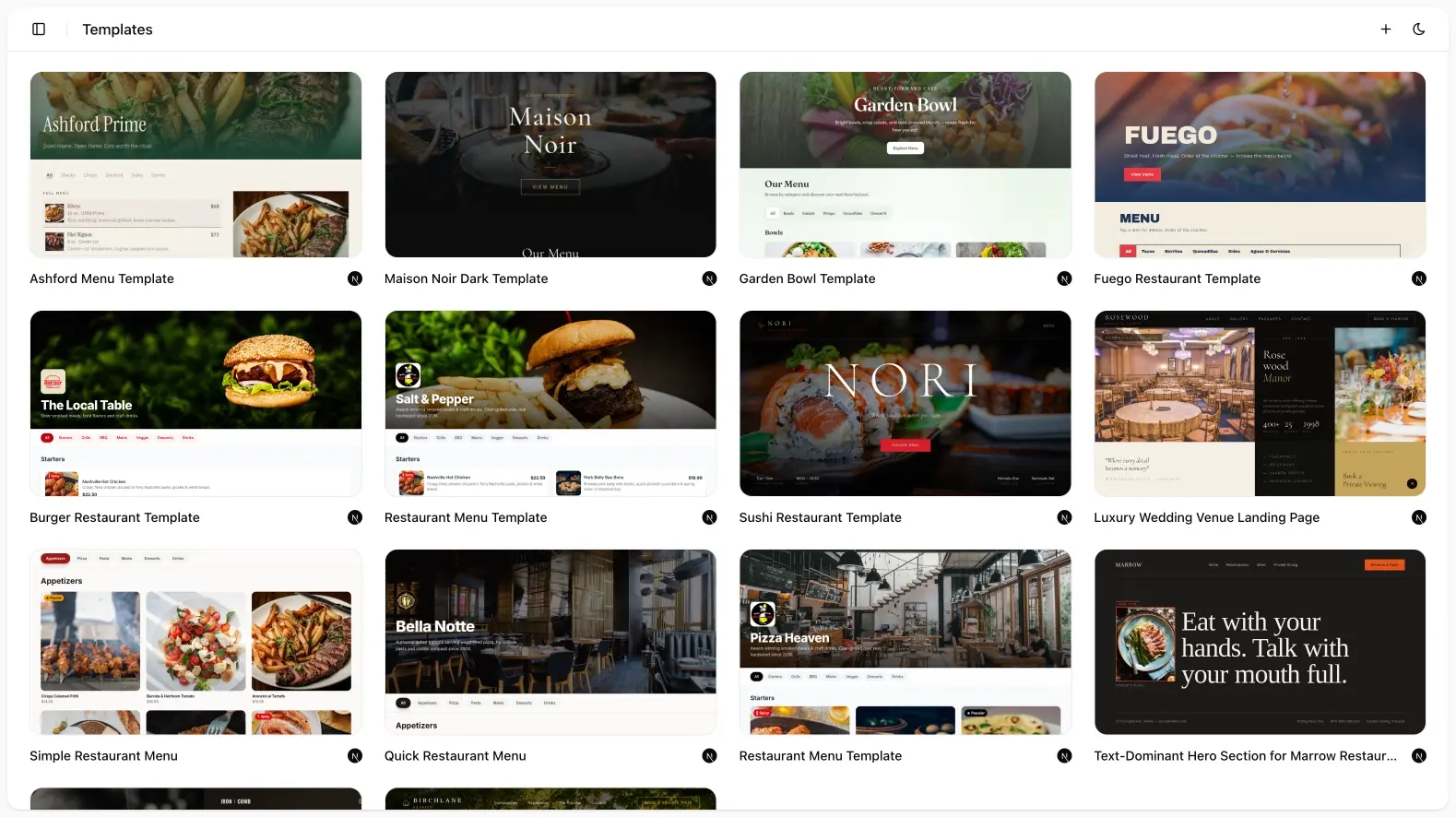
Browse and preview
Templates are grouped by category, including landing pages and restaurant sites. Each card shows whether it is Next.js or Vite. Open a preview iframe before you use it.
Use a template
Use template creates a new project from that source. You then treat it like any other site: follow-up prompts, editor, publish.
This is the fastest path when you already know the page type (a QR menu, a one-page landing) and only need copy, photos, and a domain.
Restaurant menus
Restaurant templates are the in-app counterpart of the public digital restaurant menu story. After you clone, swap dishes, hours, and branding in chat or in code.
When to prompt instead
Start from a prompt when the layout does not exist in the gallery: a weird hybrid, a tool, or a brand that should not look like a template. You can still attach screenshots of a design you like.