

Cloud
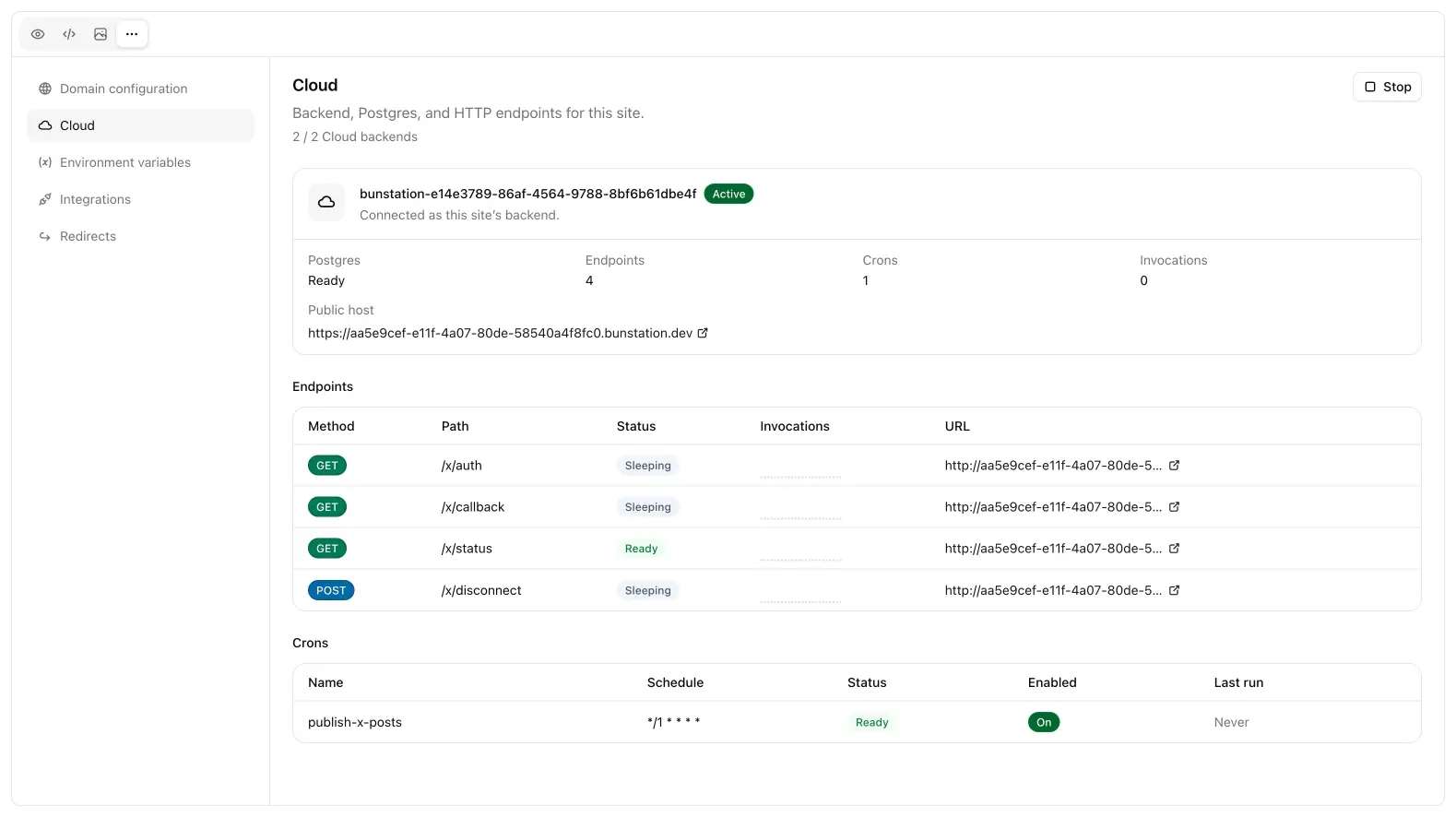
Cloud is the backend for a single site: Postgres, HTTP endpoints, and crons. The generated website stays a frontend. APIs and jobs run on the Cloud project attached to it.
Cloud is not on the $12 Pro package. It starts at $20/month (100 credits, 2 Cloud backends) and scales with the credit package, up to 12 backends.
Open Cloud
In a project: More → Cloud.
If Cloud is off you will see Enable Cloud. If the plan has no quota, the page tells you to upgrade. If you are at the backend cap, stop an unused site or change plan.
Status
| Badge | Meaning |
|---|---|
| Starting | Provisioning Postgres and the public host |
| Active | Endpoints and crons can run |
| Stopped | Paused: data and code stay |
| Error | Open the page and retry Start, or ask chat |
Stop pauses Postgres, endpoints, and crons. Confirm the dialog if you mean it. Start brings the same backend back.
The header also shows how many backends you are using (used / limit), invocation volume (24h), and the public host link (*.bunstation.dev).
What chat does vs what you do
- You enable, stop, and start Cloud, and edit endpoint/cron source in the tables
- Chat creates endpoints and crons when the site needs an API or a schedule: there is no “New endpoint” button
- SQL, tables, and buckets are driven by chat (and the Cloud platform), not by a SQL editor inside this page: see Postgres
Two hostnames
Remember which URL is which:
| Host | Used for |
|---|---|
*.bunstation.dev | Your custom HTTP endpoints |
Cloud project URL (sandbox.bunstation.com) | Auth and Postgres (supabase-js) |
The website should fetch endpoint URLs on the public host. Auth and table calls use the project URL and the anon key. Do not mix them.