

Publish
Publishing puts the current commit on a public URL. You do this from the preview toolbar or from More → Domain.
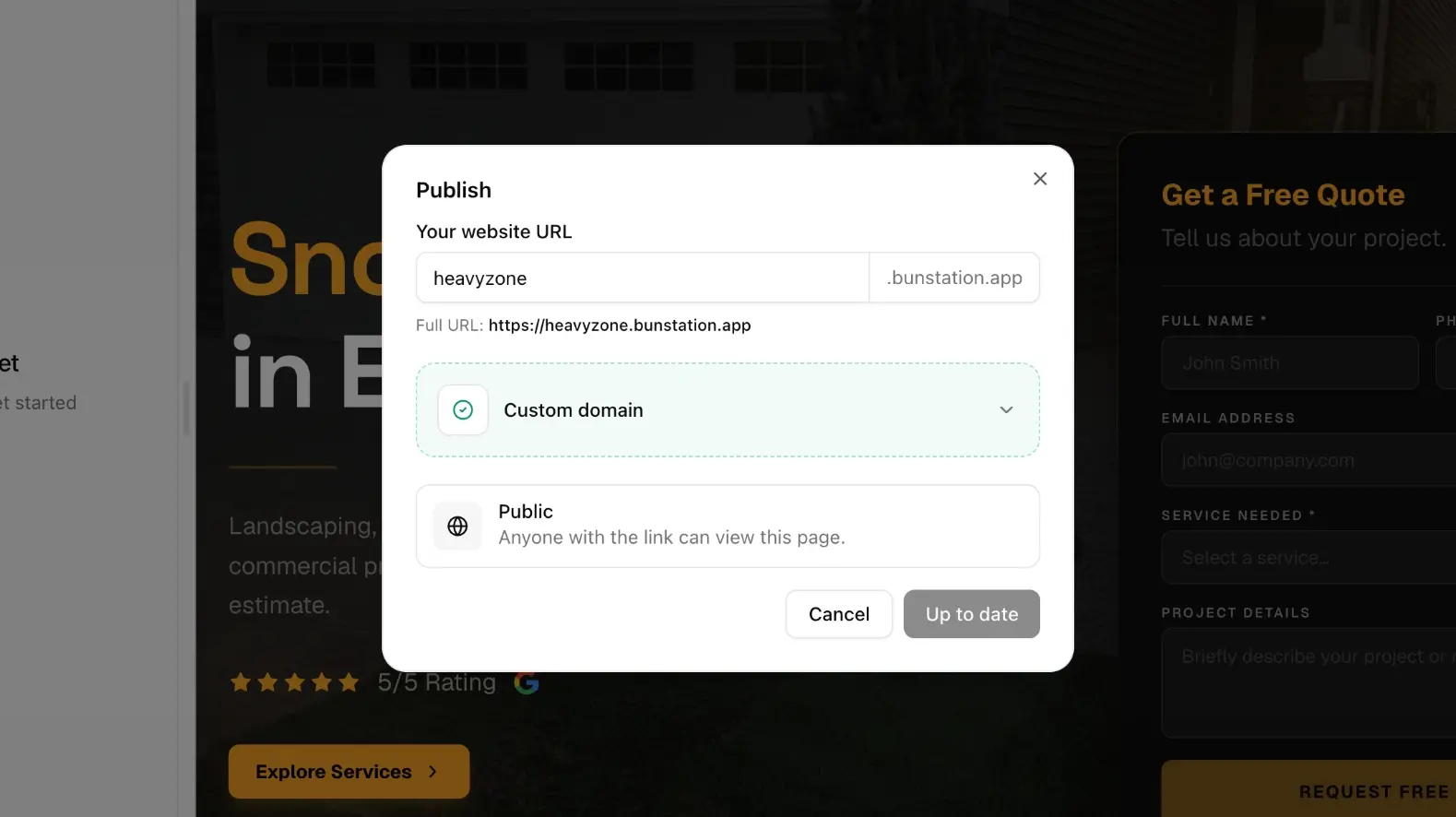
Bunstation URL
Pick a subdomain. The live address is your-name.bunstation.app (on the current preview domain). Copy: Anyone with the link can view this page. Treat that as a real site, not a private staging slot: do not publish draft copy you would not show a customer.
Publishing does not require Cloud. A static Next.js site or a Vite app can go live with only the frontend. You can share the Bunstation URL while you still iterate, then attach a custom domain when the site is ready and you are on Pro.
Subdomain names should stay short and stable. Changing them later means old links 404 unless you add a redirect on the new host. Search engines and chat previews will use whatever URL you last published.
After you publish
- Share the URL while you still iterate
- Later publishes replace the live commit (you can also publish an older SHA from history)
- Attach a custom domain when the site is ready and you are on Pro
Preview URLs and the published host are different. Colleagues with a preview link may still see a newer commit than visitors on the live subdomain until you publish again. If a publish looks wrong, open versions, load the last good SHA, and publish that snapshot instead of generating a new site.
What people get
Visitors hit Bunstation hosting, not your laptop. You do not configure a CDN. For Next.js websites, they receive the static HTML that was generated for that commit, which is what you want for search engines and link previews.
If the site must store data or run APIs, enable Cloud as well. Publishing the frontend and enabling Cloud are separate steps. A form that “works” in preview can fail on the public URL if the endpoint never went live or Cloud is stopped.
Before you send the link to customers, click through the published host yourself: home, an inner page, and any form. Then add the custom domain if you need your own hostname.
Next
- Custom domains: CNAME and SSL on Pro
- Redirects: map old paths after a rename
- Versions: publish a known-good commit