

Redirects
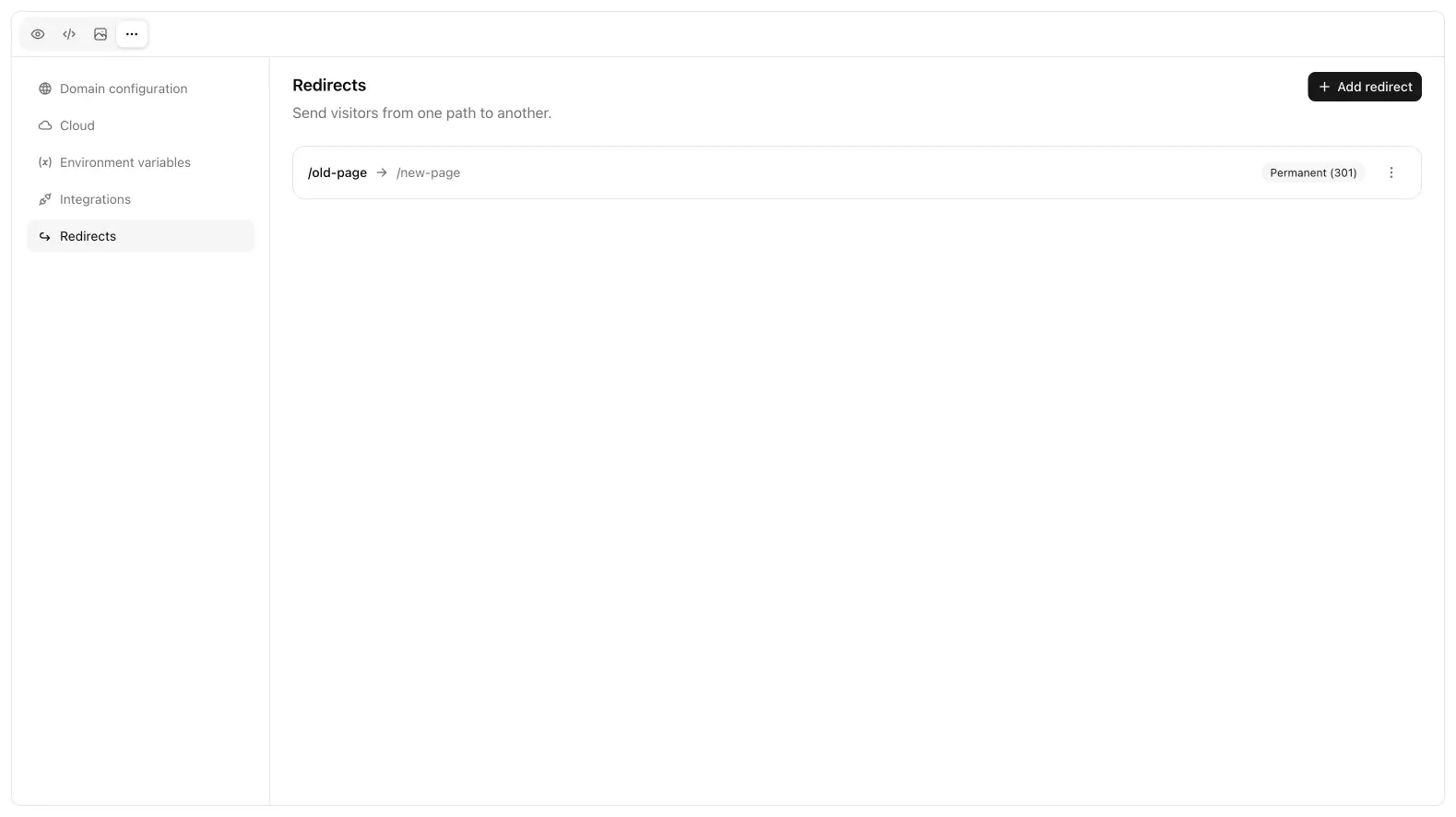
More → Redirects maps an incoming path to another URL or path, with a status code.
When to use them
- An old
/menuURL that should land on/qr - A campaign path (
/summer) that points at a section - HTTP → a canonical path after you attach a custom domain
Add the from path, the to target, and the status (typically 301 or 302). Save, then publish if the live site should pick it up.
Use 301 when the old URL is gone for good (renamed page, retired campaign, www vs apex you want to consolidate). Use 302 when the change is temporary and you still expect the original path to come back. Search engines treat 301 as “replace this URL”; 302 as “keep the old one in the index for now.”
From should be a path on this site (/old-menu), not a full foreign URL. To can be a path on the same host or an absolute URL if you are sending people to another domain. Avoid redirect chains (A → B → C). Point A straight at the final destination.
Redirects are for the hosted site. They are not a substitute for Next.js redirects in code, and they are not Cloud endpoint routes. Keep API paths on endpoints. If a request should run TypeScript and return JSON, that is an endpoint, not a redirect.
After you save
Test the old path on the published host, not only in preview. Open it in a private window so you are not looking at a cached 200. If you just attached a custom domain, wait until the domain shows Connected or the redirect will not be what visitors hit.
When you publish a new information architecture, add redirects in the same session as the page rename. That keeps Google, ads, and QR codes from landing on 404s. You can delete a rule later if the old path has no traffic.
Next
- Custom domains: hostname and SSL
- Publish: ship the commit that includes the rules
- Endpoints: HTTP functions, not path aliases