Make a strong first impression
Open with a large project photo, a clear description of your company, and a button to request a site visit. Interactive points on the photo can highlight important details.
A ready-made website for builders, contractors, and construction companies. Show completed projects, explain how you work, introduce your team, and let potential clients request a site visit. Replace the sample content with your own and publish when you are ready.
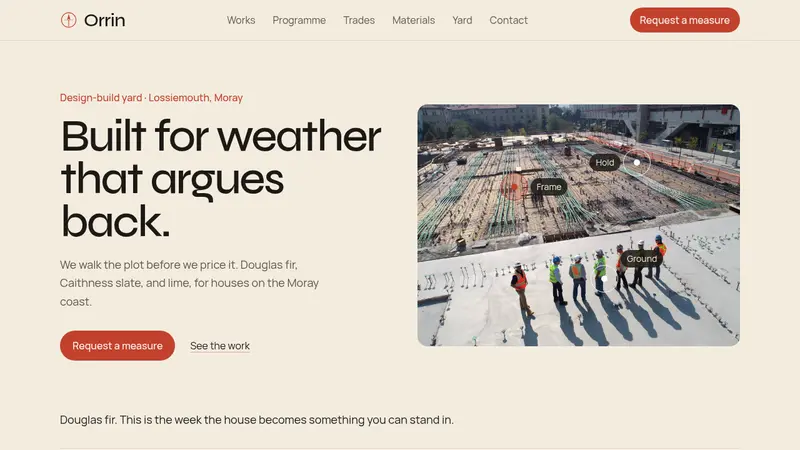
Open with a large project photo, a clear description of your company, and a button to request a site visit. Interactive points on the photo can highlight important details.
Visitors can open each project to see its photo, location, size, build time, and the work completed by your team.
Guide clients through each stage of a typical build, from the first survey and groundwork to finishing and handover.
The contact form collects the project type, preferred start date, contact details, and a short message. You can then contact the client and arrange a site visit.
Click “Use this template” to create a new project. The full website is ready, including project examples, services, materials, team profiles, contact details, and an enquiry form.
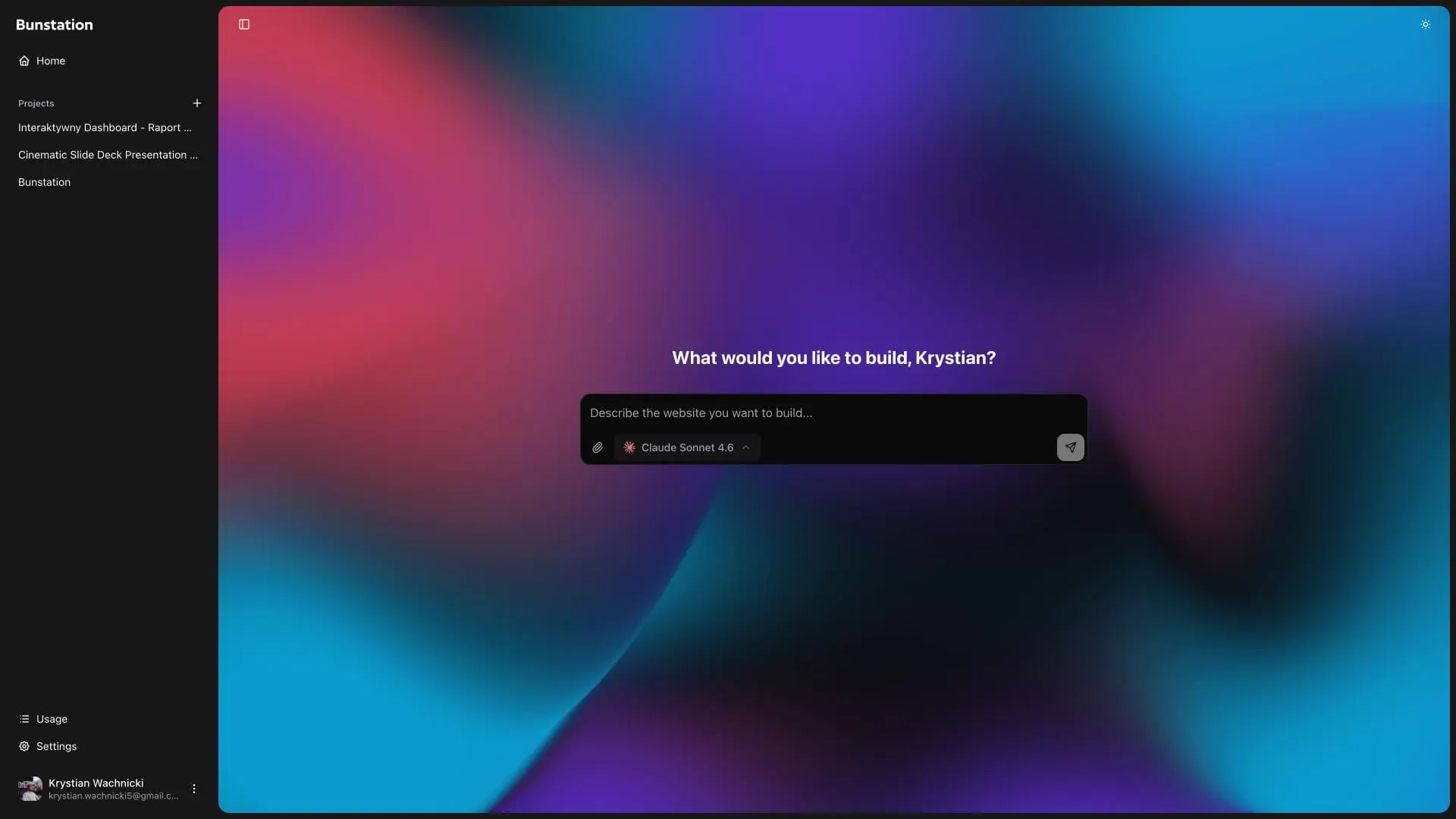
Replace the sample content with your company name, photos, projects, services, materials, and team. Update your phone number, address, opening hours, and enquiry options with the AI editor.
Publish your website with one click. Connect your own domain, add the link to your Google Business Profile, and share it with potential clients. You can update the website at any time.
01
Start with a strong headline, a short description, and a large project photo. The menu stays at the top, so visitors can quickly find your work, services, team, and contact form.
02
Present each project with a photo and useful details such as location, size, year, and build time. A simple step-by-step section explains how you take a project from the first survey to handover.
03
Describe the work your company provides, from groundwork and framing to exterior work and finishing. You can also show the materials you use, with a photo and a short explanation for each one.
04
Introduce the people behind your company and share short updates from current jobs. Visitors can then send an enquiry with the type of project, preferred start date, contact details, and a short message.
A website for real estate agents who want to show properties and collect enquiries.
A clean website for studios, freelancers, and teams that want to present their work.
Create a custom business website with AI instead of starting from a template.
Simple answers about editing, publishing, and using the template.
The template includes a fixed menu, project gallery, building process, services, materials, team profiles, site updates, opening hours, contact details, and a project enquiry form.
Yes. You can replace every sample project with your own photos and details. You can also add more projects or remove any you do not need.
Yes. You can change the company name, text, colors, photos, projects, services, materials, team, opening hours, and contact form. You can also add, remove, or reorder sections. Need help choosing colors? Try the color palette generator.
Yes. The template starts as a one-page website. You can add separate pages for project case studies, commercial work, repairs, careers, or any other service.
Yes. You can use the included form or link the buttons to your existing contact, estimate, or booking system.
Yes. After publishing, you can connect your own domain and use the website on Google, social media, quotes, business cards, and company vehicles.
No. You can customize and publish the website with the AI editor. You can also download the source code if you want more control. Learn more about creating a small business website.
If your photos and company details are ready, you can replace the sample content and publish a simple website in about 30 minutes. Extra pages or custom features may take longer.
Do you have more questions? Contact us
Get started today
Add your company name, projects, services, team, and contact details. Then publish the website and start sharing it with potential clients.