Website building guides
Practical guides on AI website builders, digital restaurant menus, and no-code launches for small businesses, written for people who want a live site this week, not a six-month redesign.
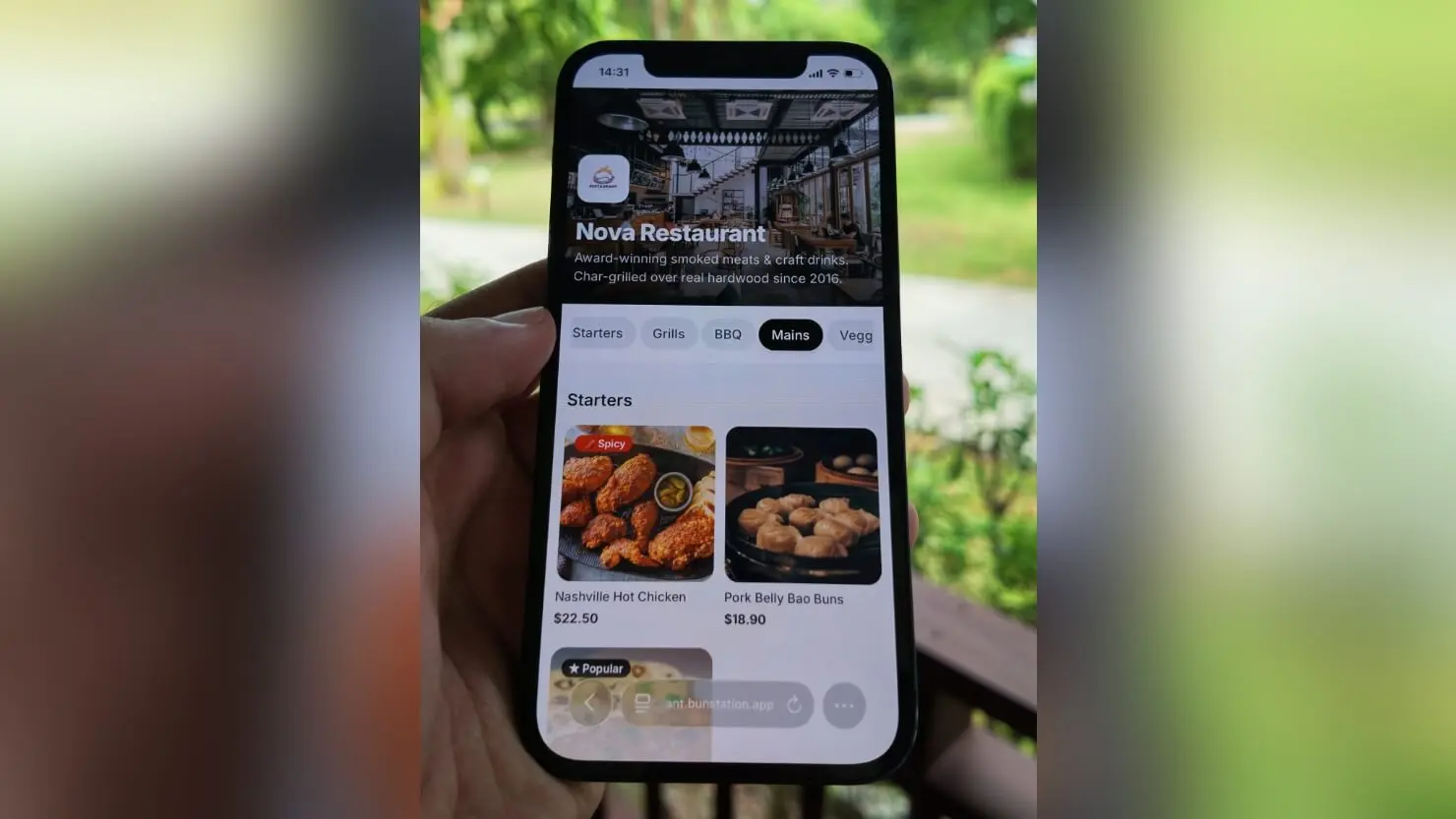
QR Code Menu for Restaurants: Benefits, Best Practices, and Common Mistakes
QR code menus started as a temporary fix during the pandemic. Most restaurants that adopted them never went back to paper. But a QR code pointing to a poorly built digital menu is worse than no digital menu at all. This guide covers what actually makes a digital restaurant menu work, where most restaurants go wrong, and what to look for when choosing a tool.

Website Builder for Small Business: What to Look For to Get Real Results
Choosing a website builder for your small business is not really a technology decision. It is a business decision. A website that sits online but never generates a phone call, a booking, or a serious enquiry is just an expense. The right builder gives you a site that actually works: one that loads fast, looks credible, shows up in local searches, and makes it easy for visitors to take the next step. This is the feature-by-feature version of that decision, broken down by business type, plus what it actually costs versus hiring a developer.
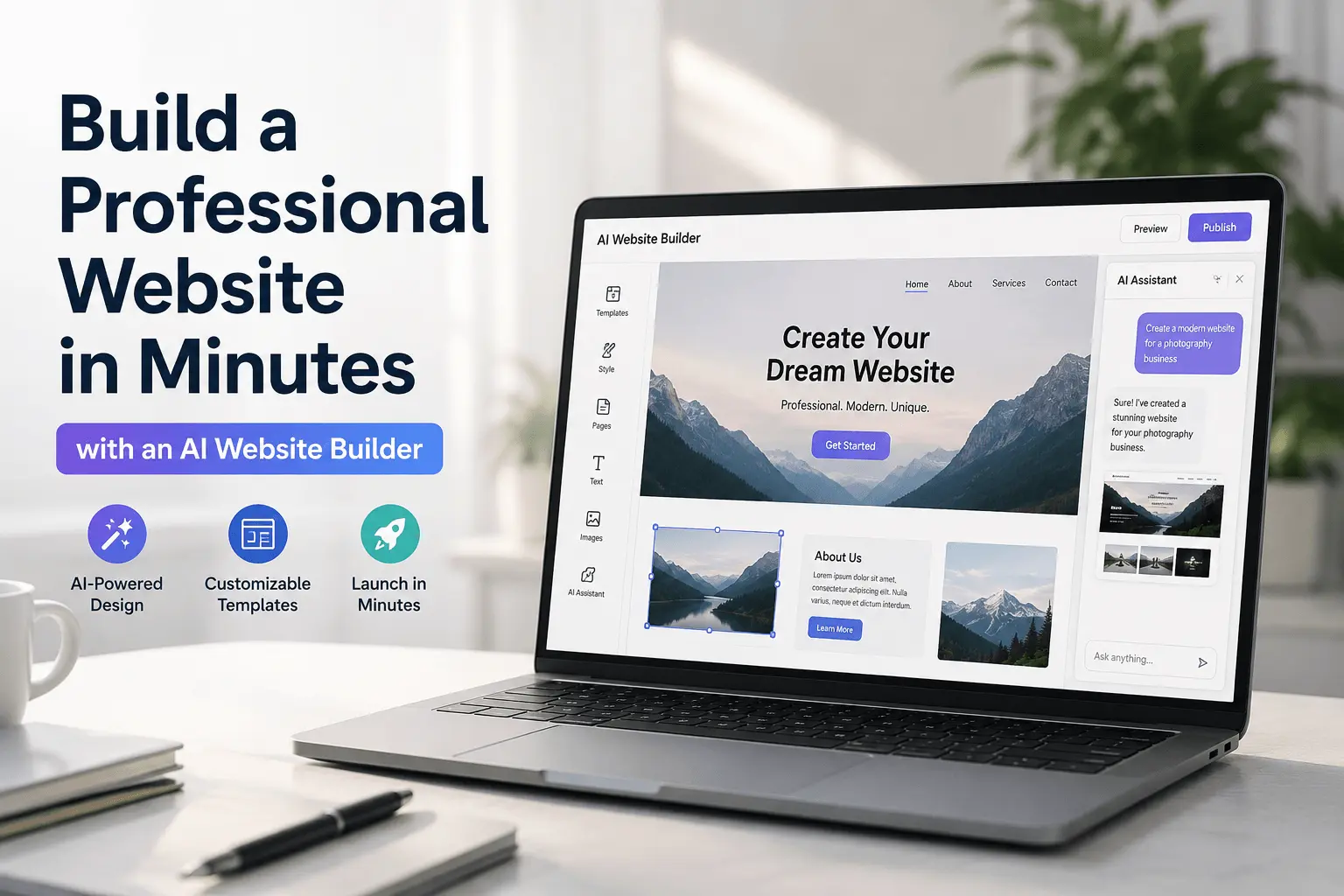
Build a Professional Website in Minutes with an AI Website Builder
A good AI website builder does something that no drag-and-drop editor ever managed: it removes the blank page entirely. Instead of choosing a template and moving boxes around for hours, you describe your business in plain language and get a fully designed, ready-to-publish website in minutes. This is a buyer's guide: what the technology actually does, and the specific things to check before you commit to one.
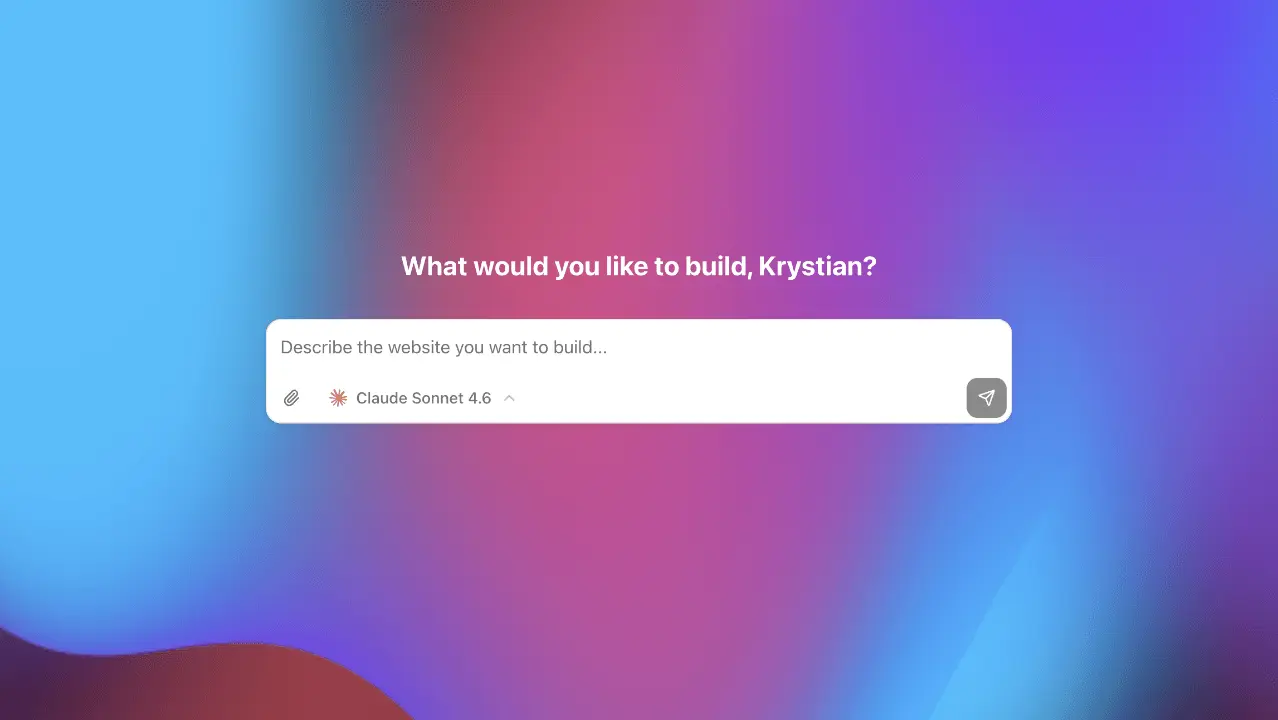
How to Build a Website Without Coding
A few years ago, building a website meant either learning to code or hiring someone who could. Neither option was quick or cheap. Today, that's changed completely thanks to AI website creation tools that turn a plain-language brief into a real page. If you've been putting off launching a site because you thought it required technical skills, this guide is for you.
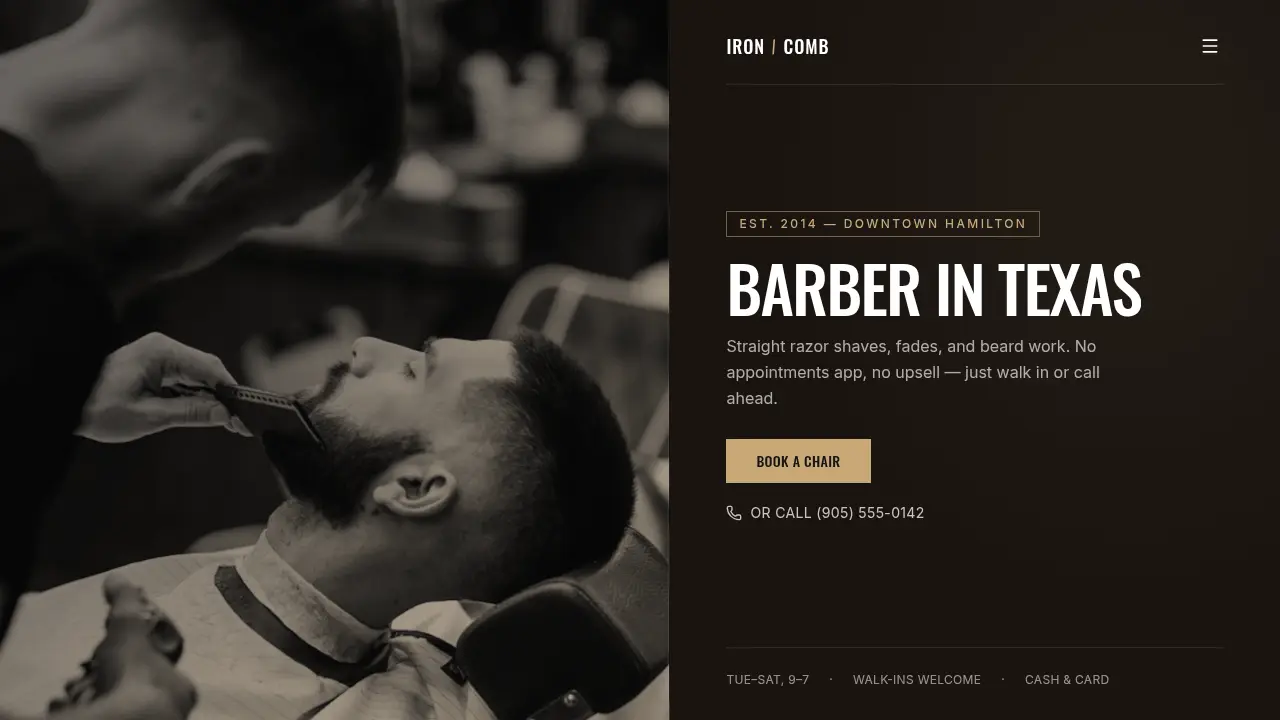
How to Create a Landing Page with AI in Under 10 Minutes
You have something to launch: a product, a service, a newsletter, an idea. And you need a page live today. Not next week after a back-and-forth with a designer. Here's how AI website builders make that possible, and what you need to get right.
5 Free Website Templates for Small Businesses (Ready to Customize)
Starting from a template is one of the fastest ways to get a professional-looking website online. Instead of making every design decision from scratch, you begin with a working structure and customize the parts that need to reflect your specific business. These five templates cover the most common small business needs, and they're free to use.
Start with the topic you actually need
Digital restaurant menus
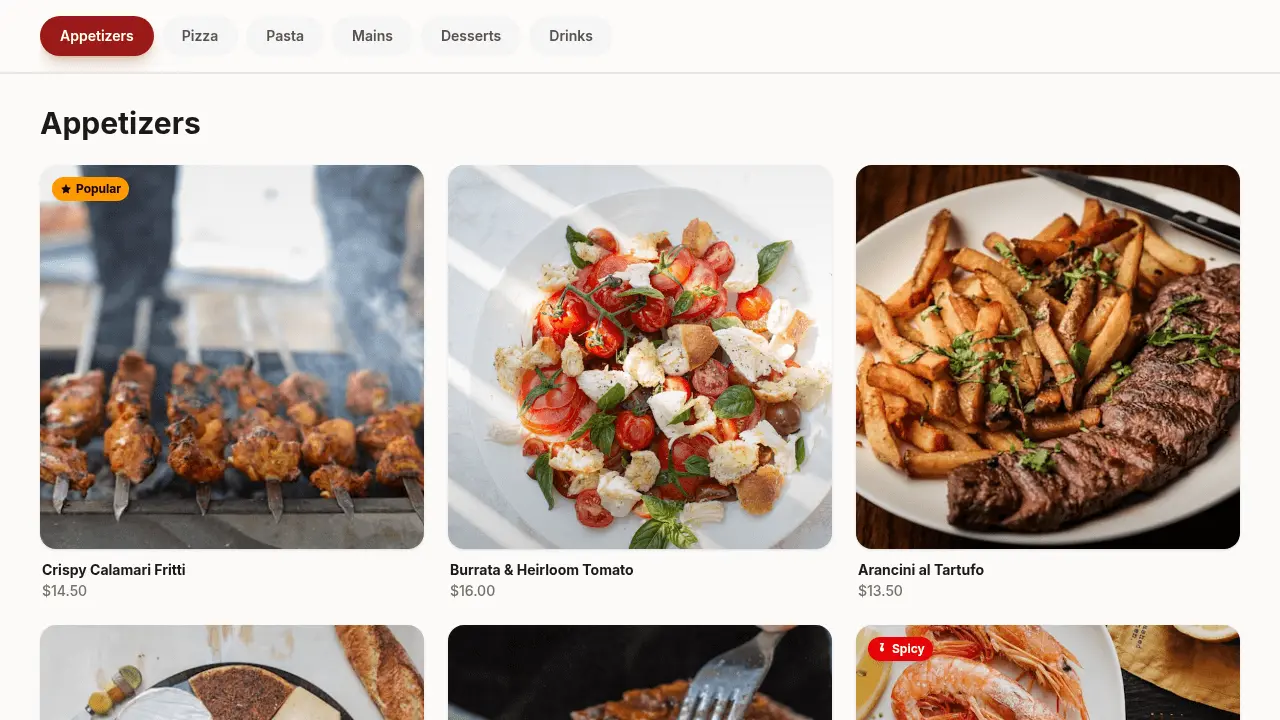
How digital restaurant menus work, what guests expect, and how to publish a menu URL you can print as a QR code. See the live product on digital restaurant menus, then read QR code menu guide or make the code with the QR code generator.
AI website builders
What an AI website builder actually generates, where it beats a drag-and-drop editor, and how to go from prompt to published site. Start with the AI website builder guide, then read Lovable alternatives if you are choosing a tool.
Small business sites
Cost, timeline, and the pages a local business actually needs. Start from the small business web builder, then read the website builder for small business guide, browse free website templates, or read five templates for a small business.
Learn how to plan, generate, and improve a website with AI
The Bunstation blog is written for founders, restaurant owners, freelancers, and small teams who need a professional website without hiring a developer. Each guide is meant to answer one decision: which builder to use, how to structure a landing page, or how to replace a paper menu with a QR code that actually loads on a phone.
You will find notes on prompts, launch checklists, custom domains, SEO basics, and the difference between an AI website creator and a traditional no-code editor. Check a live page's title and social preview with the meta tag checker. When a roundup is more useful than a how-to, we send you to AI website builder alternatives.
If you already know what you want to ship, skip the reading and start from a template or a restaurant menu build. The articles stay here for the research step. The product is built to get you live the same day.