A strong first impression
Open with a full-screen pizza photo, a short tagline, and a See Pizzas button that takes guests straight to the menu, all introduced with a smooth entrance animation.
A clean, responsive pizza website template with organized menu categories, food photos, prices, and smooth animations. Customize it with AI and publish your website online.
Open with a full-screen pizza photo, a short tagline, and a See Pizzas button that takes guests straight to the menu, all introduced with a smooth entrance animation.
Organize your offer into clear categories such as Pizzas, Antipasti, Dolci, and Bevande so guests can quickly find what they want.
Show every pizza with an appetizing photo, name, price, and dietary label. Replace the sample menu with your own in minutes.
Add your restaurant name, address, opening hours, and phone number, then create your own sections for anything else your guests should know.
Open with a full-screen pizza photo, a short tagline, and a See Pizzas button that takes guests straight to the menu, all introduced with a smooth entrance animation.
Organize your offer into clear categories such as Pizzas, Antipasti, Dolci, and Bevande so guests can quickly find what they want.
Show every pizza with an appetizing photo, name, price, and dietary label. Replace the sample menu with your own in minutes.
Add your restaurant name, address, opening hours, and phone number, then create your own sections for anything else your guests should know.
Click the button above this page to open this pizza restaurant website template and start customizing it. The hero, menu categories, item cards, and contact details are ready for you to edit.
Use AI to replace the sample content with your restaurant name, pizza menu, photos, prices, and business details.
Publish your pizza website to a live URL, share it online, or connect it to a QR code at the table. Future menu updates appear at the same address.
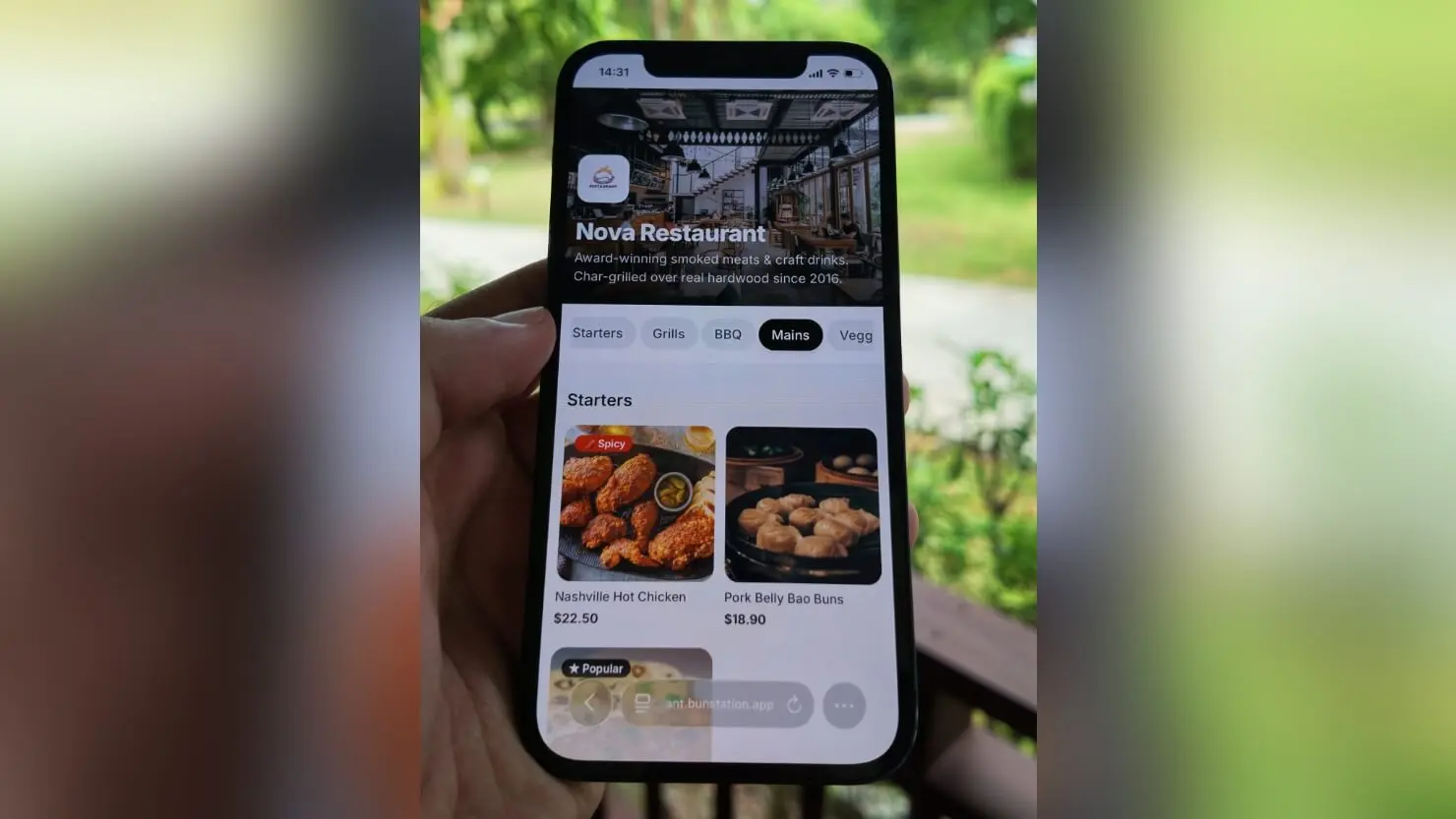
It is a free pizza website template: a menu-first layout for a wood-fired pizzeria. Hero, pie categories, and a page guests open from a QR code. You remix the food and photos. The structure is already a pizza shop.
The look leans wood-fired Napoli, but the sections work for any kitchen that sells from a categorized pizza menu — slices, whole pies, or both. Change photography and dish names. For pasta-led trattorias, use the Italian restaurant template.
Yes. That is the job. Publish the page, point a QR code at the live URL, and put the code on the table. Guests use the camera they already have. No app download.
A generic menu starts with mixed categories. This pizza website template opens on pies. The photography, type, and first CTA assume a pizzeria. If you need a digital menu without a cuisine skin, use the QR code menu template.
The pizza website template is free. Bunstation starts free with the free AI model and 3 credits. Pro from $12/month adds renewable credits, cloud storage, and a custom domain.
Do you have more questions? Contact us
Get started today
Remix this restaurant website template, publish the URL, print the QR. The layout is already a pizzeria.