Lead with the plates guests came for
Use a clear promise, visible prices, and a menu action close to the hero. The page keeps the next useful step obvious without overcrowding the first screen.
A complete digital menu template for sushi bars, izakaya, and Japanese restaurants. Present every course clearly, show prices next to each plate, help guests browse from a phone, and keep specials up to date without reprinting.
Use a clear promise, visible prices, and a menu action close to the hero. The page keeps the next useful step obvious without overcrowding the first screen.
Show the dish name, a short description, optional Japanese wording, and price. Categories make comparison easy and keep a long Japanese menu readable on a phone.
Put popular tags, portion cues, and drink pairings next to the food so guests do not need staff for the basics while they browse from the table.
One published URL covers search, share links, and table codes. Change a price once and every printed QR still points at the current menu.
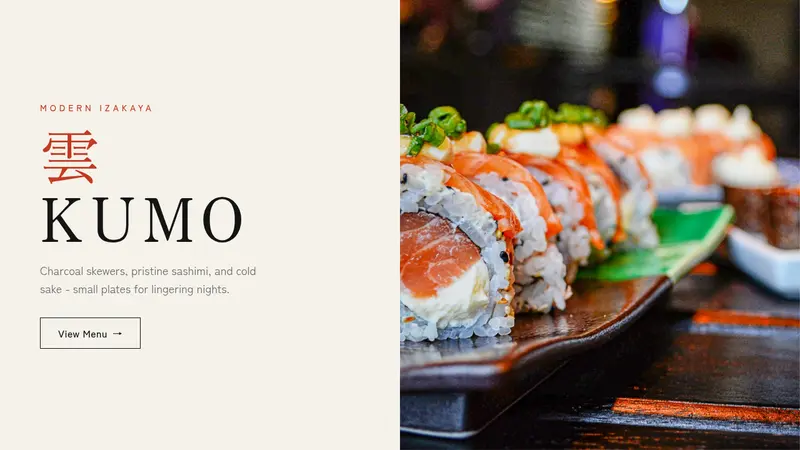
Click “Use this template” to create a new project. The layout already includes a Japanese hero, course categories, priced dishes, drink options, and a mobile-first reading experience for the dining room.
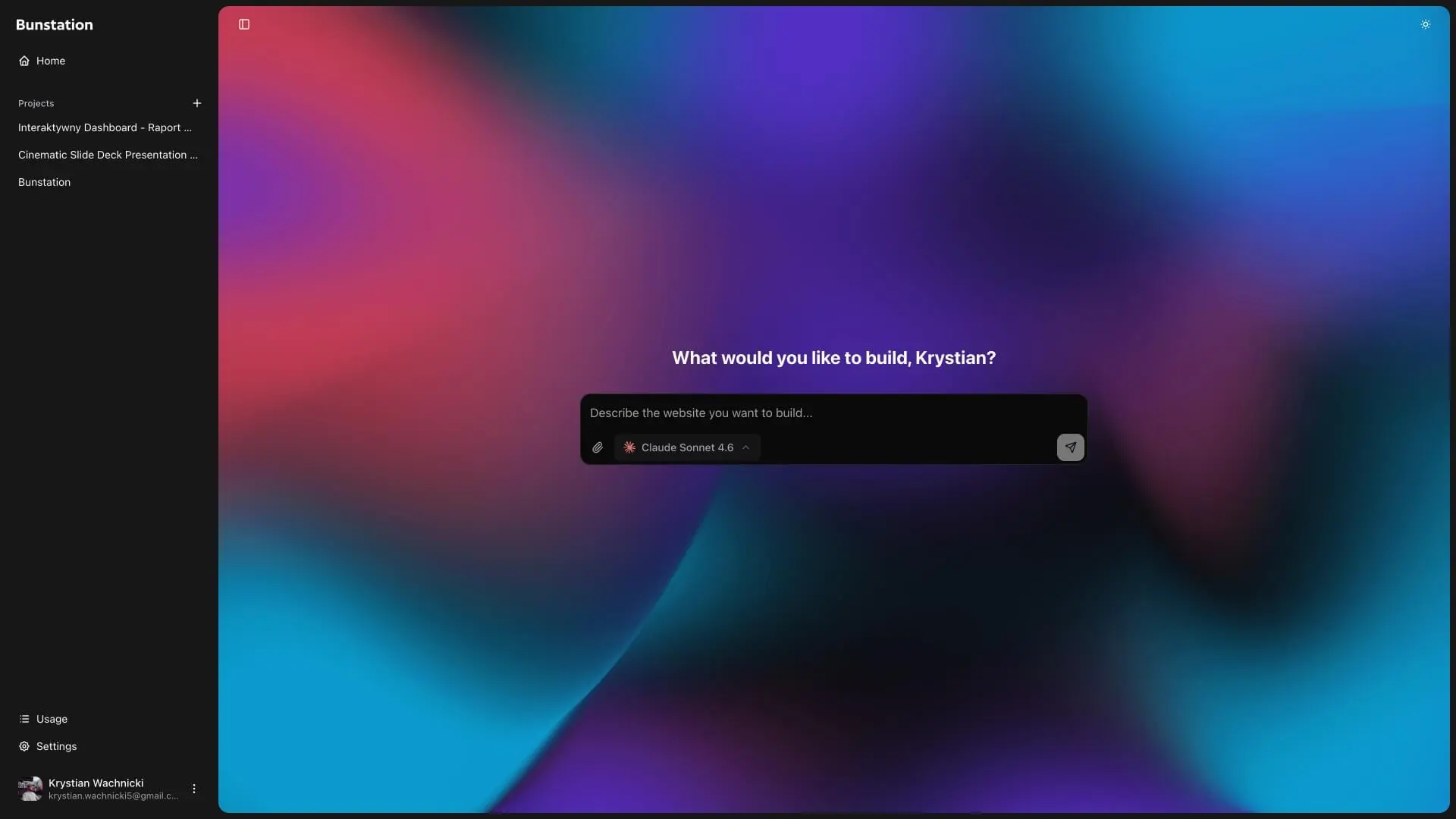
Use the AI editor to add your restaurant name, photography, yakitori list, sashimi cuts, small plates, ramen bowls, sake, prices, allergens, hours, and contact details. Remove anything your kitchen does not serve.
Publish with one click, connect your domain when you are ready, and point table QR codes at the live menu URL. Update seasonal rolls, sake lists, or lunch sets whenever needed without a new print run.
01
Open with a quiet split layout: clear copy on one side and plate photography on the other. A direct View Menu action takes guests straight to the courses instead of making them hunt for the list.
02
Organize the kitchen the way guests order: yakitori, sashimi, small plates, ramen and don, then sake and drinks. Each item can show a name, short description, Japanese label, and price so the phone menu feels complete.
03
Restrained typography and generous spacing keep the focus on the plates. Swap the sample skewers and sashimi for your own photography without fighting a loud brand kit.
04
Publish one live URL and point a QR code at it. Guests scan from the booth, open the menu on their phone, and always see tonight’s prices and specials.
Still comparing layouts? Read our guide to free website templates for small businesses.
Clear answers about courses, QR menus, customization, and publishing.
The template includes a split Japanese hero, a View Menu action, course categories such as yakitori, sashimi, small plates, ramen and don, and drinks, priced menu items with short descriptions, and a layout built for phones at the table.
Yes. Publish the page and point a QR code at the live URL. Guests open it in the phone browser with no app download. When you change a dish or price, every table sees the update immediately.
Yes. You can change the restaurant name, colors, typography, photographs, categories, dishes, prices, descriptions, hours, and contact details. You can also add, remove, or reorder sections. If you are defining the visual identity first, try the color palette generator.
Both. The sample kitchen mixes charcoal skewers, sashimi, small plates, bowls, and sake, which fits sushi counters and modern izakaya. Rename categories and replace dishes to match how you sell.
Yes. The sample items include Japanese labels beside the English names. Keep them, translate them, or remove them depending on how your guests read the menu.
Yes. Add labels such as popular, spicy, vegetarian, or allergen notes to any dish. You can also extend item descriptions with portion size, sauce, or pairing suggestions.
No. You can customize and publish the sushi menu with the AI editor. You can also download the source code if you want to continue development yourself. The same workflow can create a fully custom small business website.
Yes. The hero, categories, dish cards, prices, and contact details adapt to smaller screens. Guests can browse courses and decide what to order from a phone without losing important information.
Do you have more questions? Contact us
Get started today
Add your restaurant name, dish photos, categories, prices, allergens, hours, and contact details. Print a QR for the tables, then update specials on the published page whenever the kitchen changes.