Why creation is more than dragging blocks around
Traditional website builders give you tools: a canvas, a component library, a set of templates. You still have to make every creative decision yourself. An AI website creator is different because it makes those decisions based on your brief and generates a complete, design-ready result. You're reviewing and refining, not assembling from scratch.
This matters most when you're not a designer. When you use an AI website creator, you're not guessing at layout or typography. You're starting from a considered, coherent design that was generated specifically for your use case.
What you need before you start
The better your inputs, the better your output. Before you open a creation tool, have the following ready:
- A clear description of what your business or project is
- The primary action you want visitors to take (sign up, book, buy, contact)
- Two or three sentences about who your ideal visitor is
- The tone you want: professional, friendly, bold, minimal, technical
- Any specific sections you know you need (pricing, FAQ, team, portfolio)
You don't need a design brief or a wireframe. A short paragraph covering these points is enough for a good AI website creator to produce something genuinely useful.
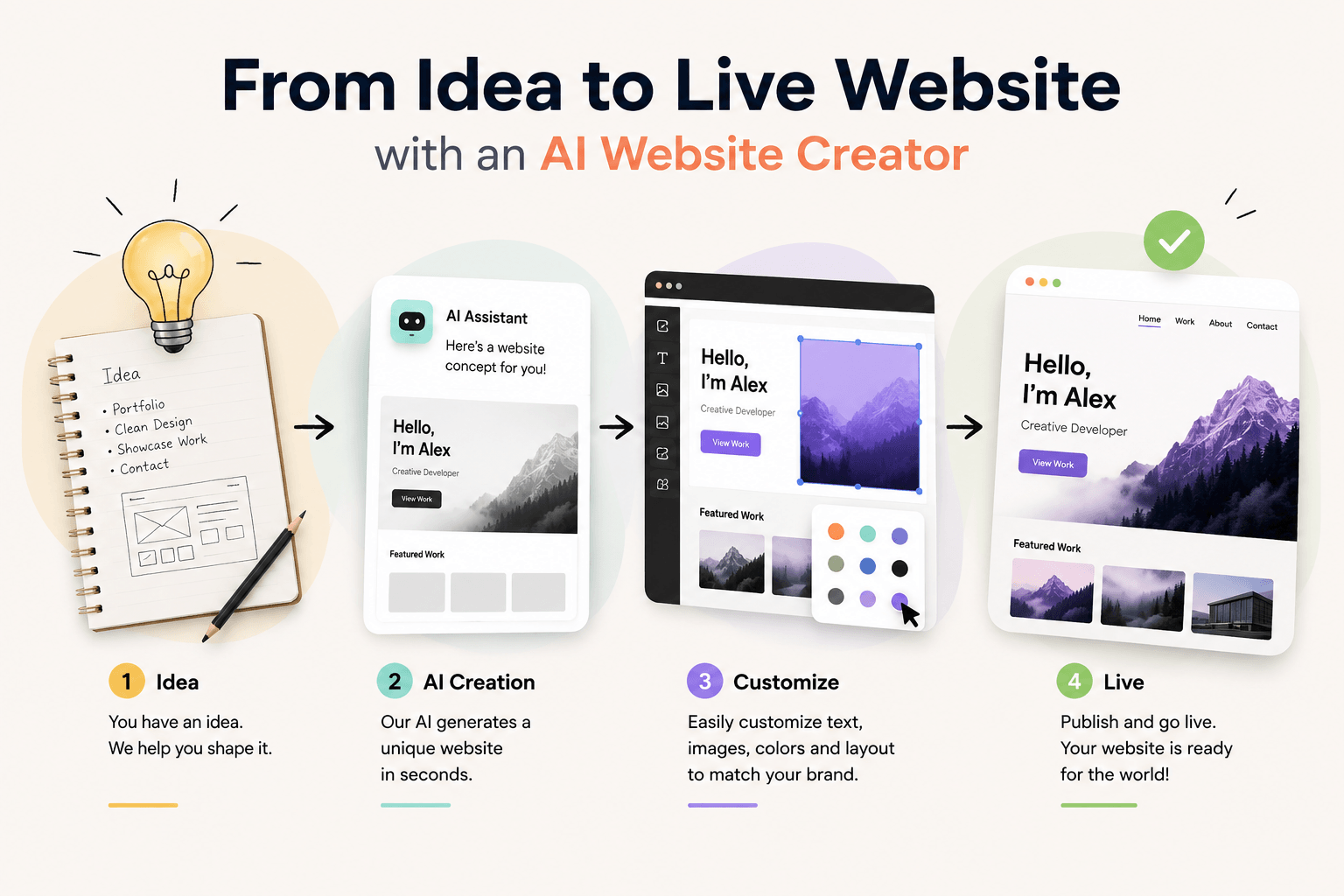
The creation process, step by step
Write your prompt
Describe what you're building in plain language. Be specific about the purpose, the audience, and the desired outcome. 'A website for a freelance photographer in London who specialises in corporate headshots and wants clients to book directly' will produce a much better result than 'photography website'.
Review the generated structure
The tool will produce a full page, including all sections, headlines, and copy. Start by looking at the section order and overall structure. Does the page tell a coherent story? Is the call to action in the right place? If the bones are good, the rest is editing.
Update the content
Replace the generated content with your real information: your actual headline, your real pricing, your genuine testimonials, your specific contact details. The AI gives you the shape. You fill it with substance.
Add your visual assets
Upload your logo, your product photos, or your headshot. Real photography makes a significant difference to how professional a site feels, even on a design that's already strong.
Publish and iterate
Connect your domain and publish. Don't wait until every detail is perfect. A live site you can improve based on real visitor feedback is worth more than a draft that never ships. Most AI website creators let you update content instantly after publishing.
Try it with Bunstation
Bunstation is an AI website creator that generates complete, publish-ready websites from a single description. There's no template to pick and no drag-and-drop canvas to fight with. You describe your project, the AI creates your website, and you publish it to your own domain.
Browse our free templates and have your first version live today. If you want a deeper overview of the creation process, read our step-by-step guide to building a website without coding before you start.